Don’t want to read? Watch the video instead.
https://youtu.be/l549qd50O3U
Jira admins, you know the struggle! Someone needs a Jira space that looks exactly like an existing one — same workflows, same work item types, same screens. Maybe it's for a new client or a partner who works in their own Jira. Maybe it's a sandbox.
But often the other side doesn’t have a Jira space yet, and before anyone can collaborate, someone has to build that second space from scratch.
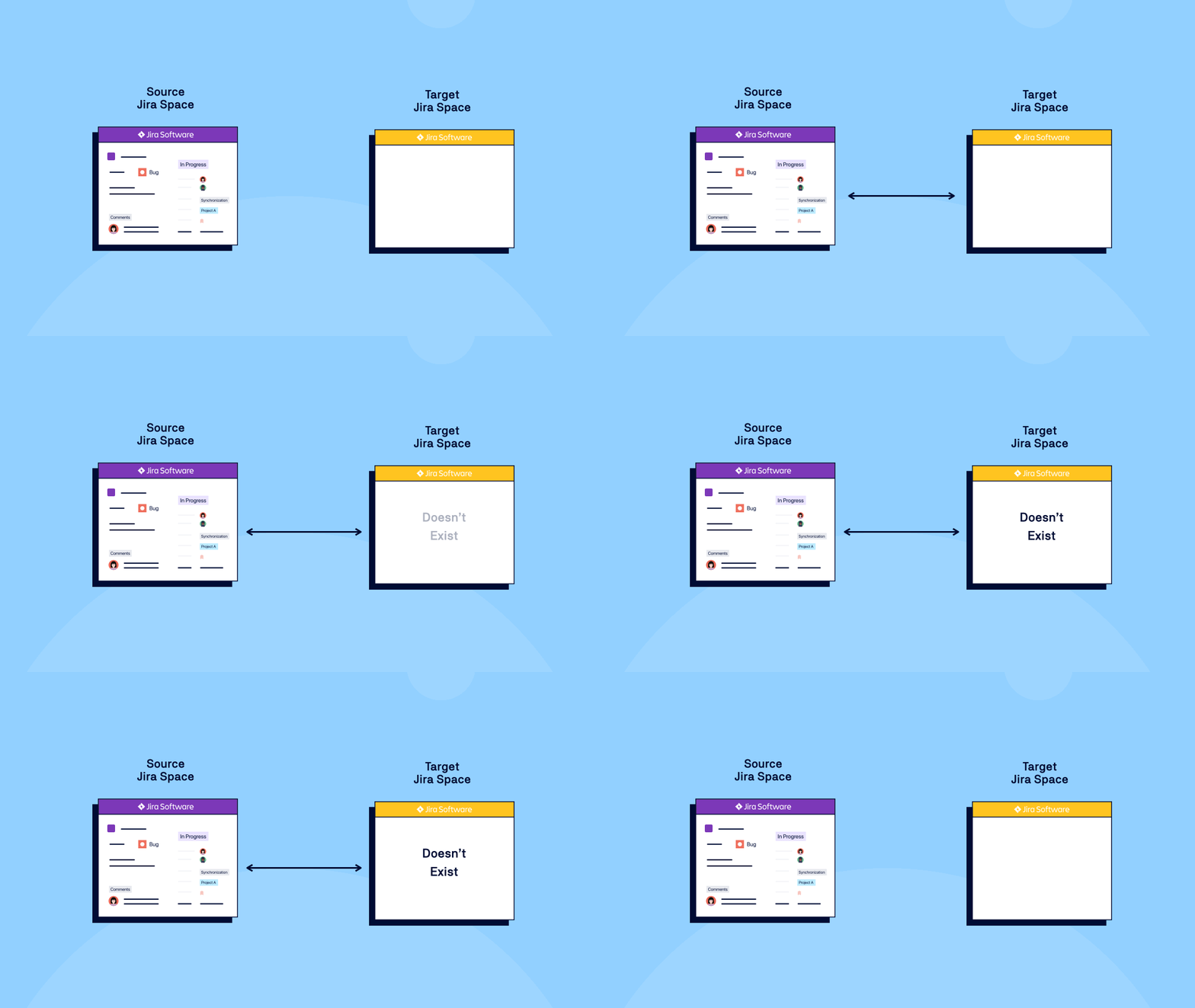
So you open the template Jira space in one tab, the partner Jira instance on another, and start rebuilding. Field by field. Workflow by workflow. Recreated by hand. Or using the slightly “faster” way via a CSV upload.
Do this for one Jira space, and it costs you an afternoon. Do it for every new client or team, and setup and admin capacity becomes the bottleneck on how fast you can scale.
That's the step we have removed!
Quick Connect: Start from a Space You Already Trust
You pick the Jira space you want to reuse. Backbone clones it: work items, work item types and their scheme, screens, screen tabs and screen schemes, workflows and the workflow scheme.
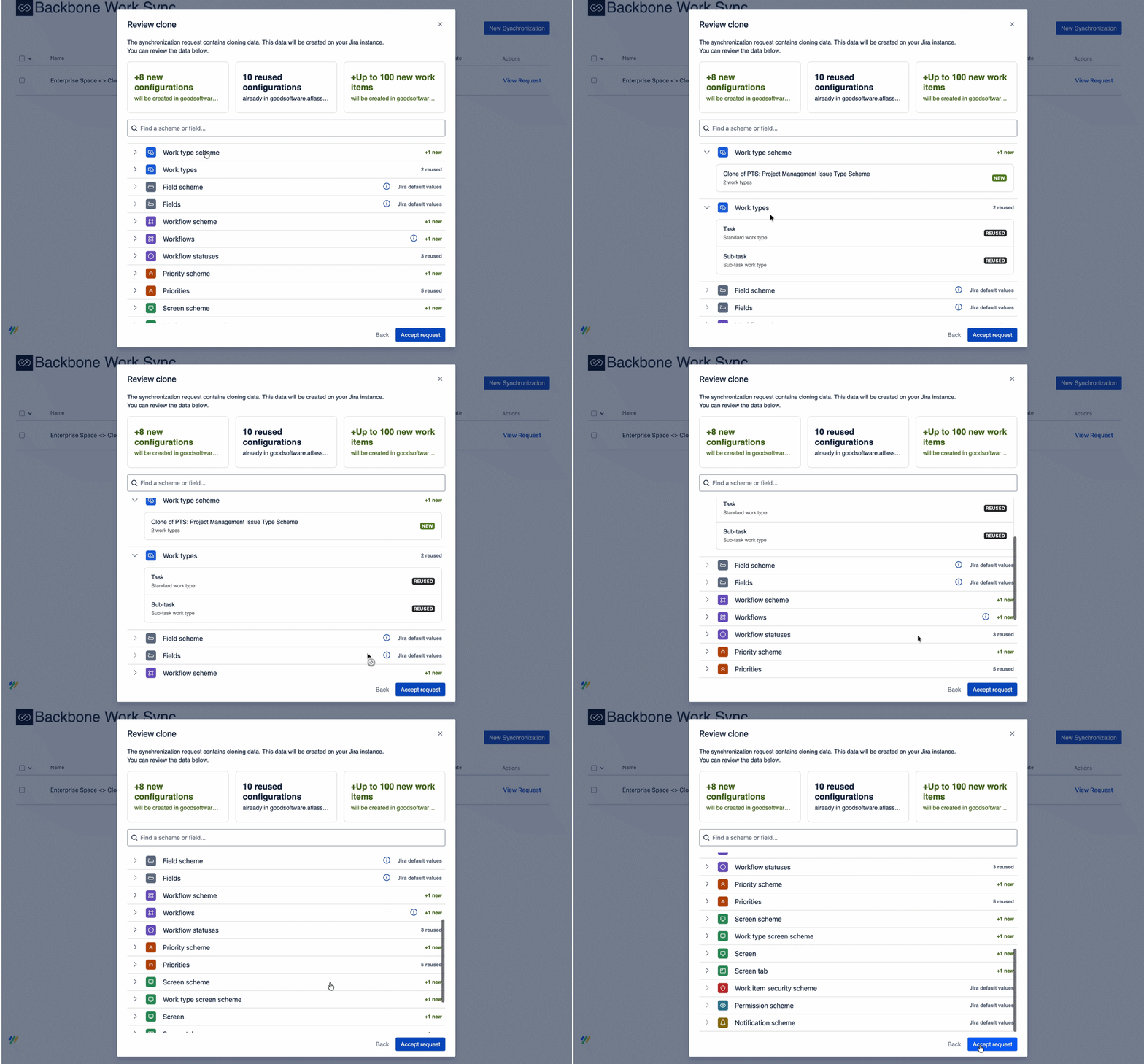
You can then use Backbone Integration Platform for Jira to connect the two Jira spaces and keep them in step, so two teams can work on the same work item without leaving their own Jira spaces. Learn how to get started →
Clone first, connect second. One flow, either on the same instance or another Cloud or Data Center instance.
How Long Should It Take to Set Up a New Jira Space?
Quick Connect turns the hours needed to rebuild a Jira space into one guided flow that should be done within a few minutes. The first Jira space is quick to stand up, and so is the tenth — each one cloned from a space that’s already approved and you've already got right.

Setup complexity and admin capacity stop deciding how many clients, partners, or teams you can onboard this quarter. And if the reason you needed that second space was so two teams could sync Jira work items across two Jira instances, it's handled in the same flow thanks to Backbone Integration Platform for Jira’s syncing capability.
Got you excited? Try Backbone Work Sync for Jira for free for 30 days →


.png?cb=d11f99205833a1b1d2901313ffbfc87e)