
Turn Confluence into a Self-Service Knowledge Base

Give users the answers they need anytime, anywhere by publishing your knowledge directly from Confluence.






Transform Confluence into a Polished, Searchable Knowledge Base
Make your Knowledge Base the center of your support experience to reduce ticket volume, accelerate resolution times, and scale support without sacrificing control or quality.
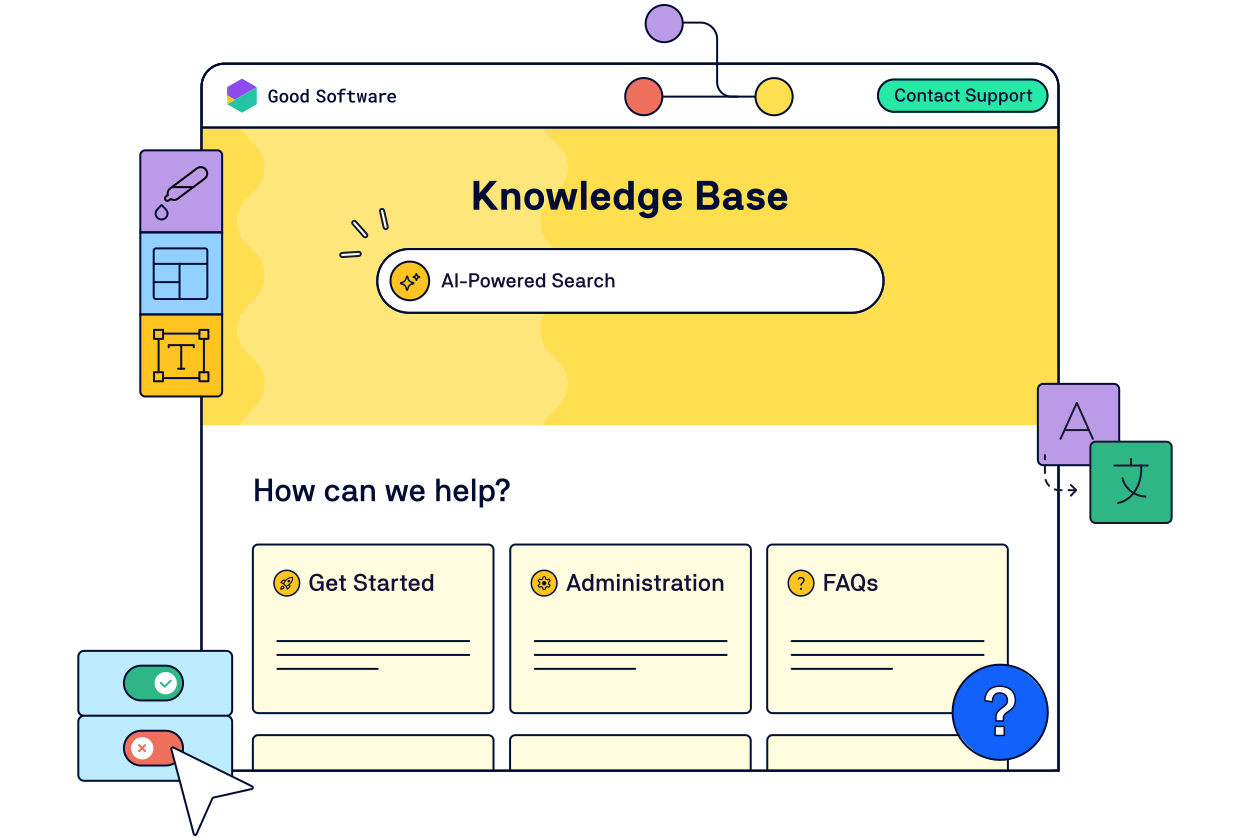
Publish a Branded Knowledge Base
Publish smarter knowledge bases with the tool you already use every day: Confluence.
Author With Ease
Knowledge lives where your teams already work – in Confluence. Easily manage drafts, reviews, and publishing workflows in one place.
Share With Precision
Deliver an intuitive, searchable, and fully customized knowledge base with full control over what’s shared and who has access.
.png?cb=4ba39940279c3c6c3480ae09b6122e00)
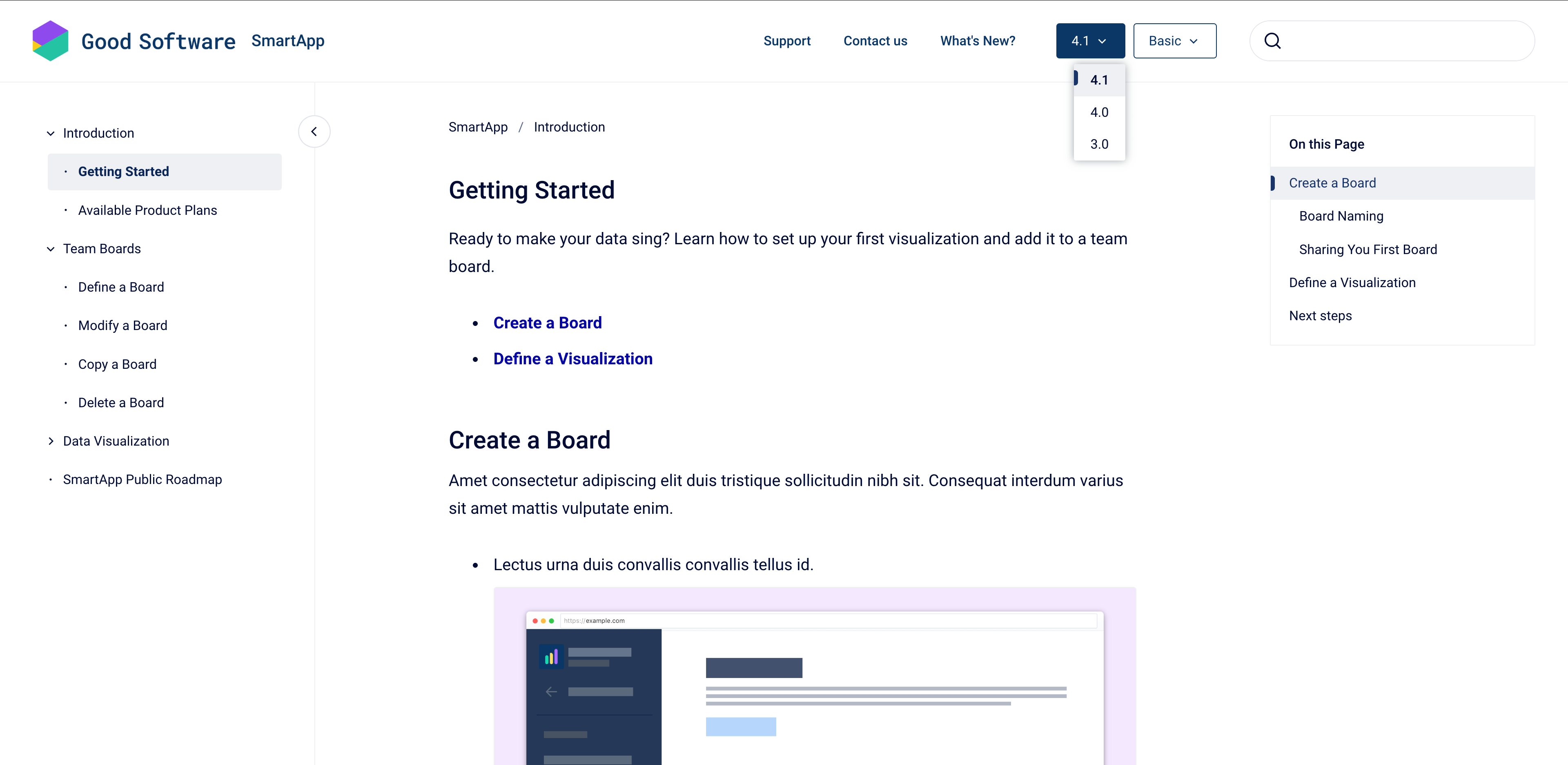
The Apps Behind the Solution
Ready to start creating knowledge bases? These are the Confluence apps we recommend to get going.

Launch Branded Websites from Confluence
The next generation of Scroll Viewport is here! Publish your Confluence content as branded, high-performance websites.

Manage Confluence Content With Ease
Control versions, track changes, tailor content for specific audiences and languages, and publish to the web or offline file formats.

Better Self-Service Built on Confluence
No more information silos, disconnected tools, or out-of-date help content. Just the right knowledge, in the right place, at the right time – for both your team and your customers.
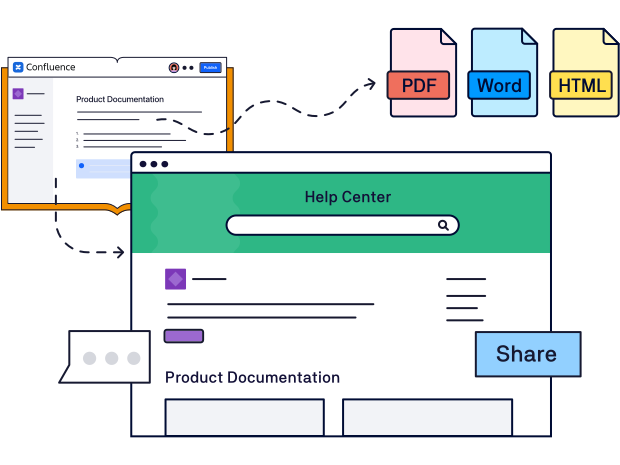
Create Once, Publish Everywhere
No more tool switching. Create and maintain knowledge in Confluence, then publish it to your knowledge base or even other places it’s needed – as PDFs, Word or HTML files, and even as in-app help.
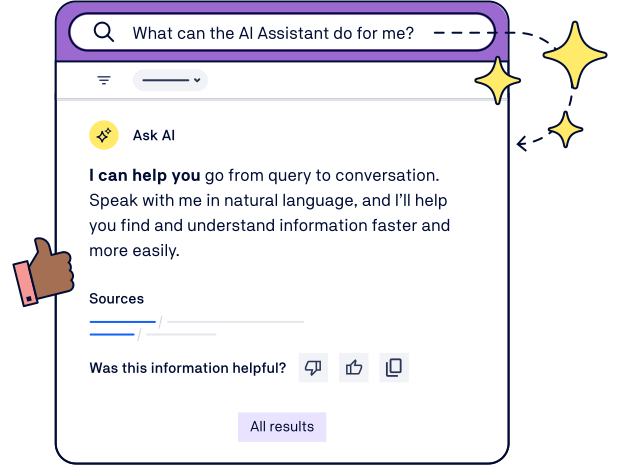
Fast, AI-Powered Search
Reduce ticket volume by helping users find answers more quickly. Both global search and AI-powered search surface answers quickly with a fast, intuitive, and intelligent search experience right inside your knowledge base.
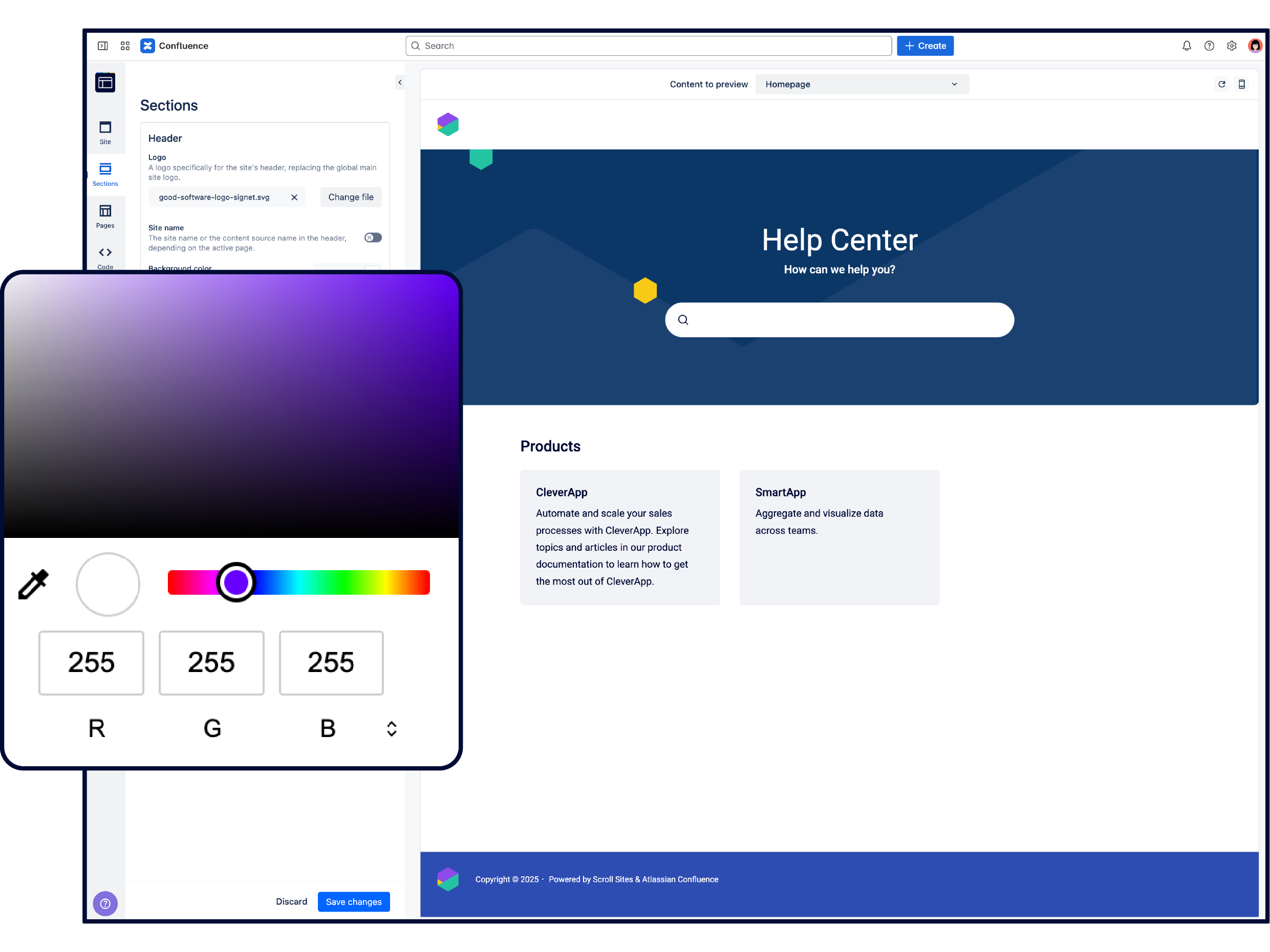
Share Knowledge in Style
Customize your knowledge base from top to bottom. Choose from a growing selection of professionally-designed themes and templates to get started quickly. Add your custom branding, domain, and navigation for added trust and visibility.
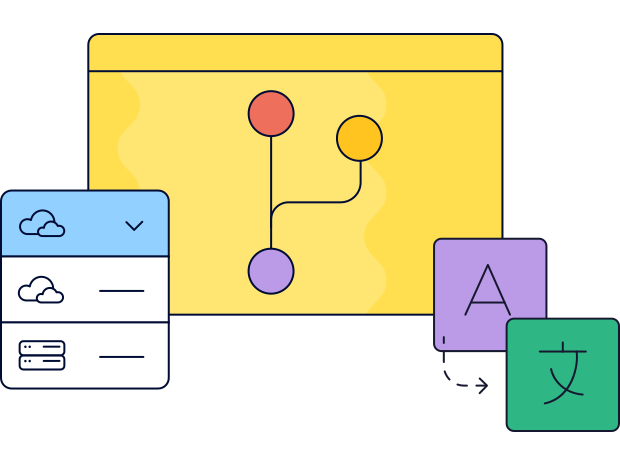
Keep Knowledge Accurate and Organized
Deliver the right information to the right audience:
Structure and categorize your knowledge base content
Save versions and track updates with workflows
Manage multilingual content or create audience-specific variants
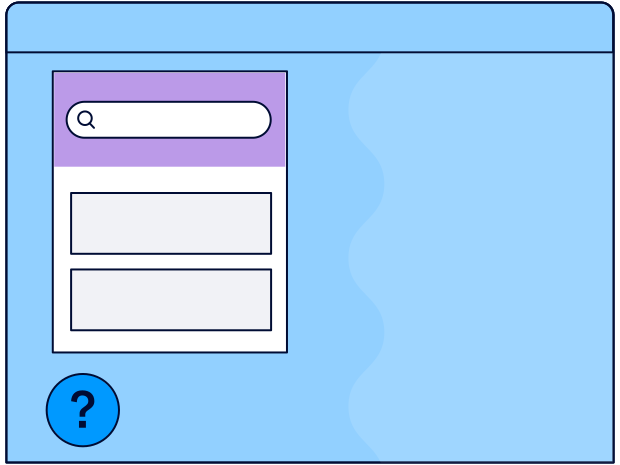
Offer Help Directly Where It’s Needed
Embed knowledge articles directly into your app, website, or other assets with the Help Center Widget.
Keep users in flow while giving quick answers
Embed knowledge anywhere with a lightweight script
Show any knowledge base article in a simplified view
Customize the widget’s behavior and appearance
Knowledge Base Essentials
Features to help you scale support, simplify workflows, and deliver high-quality help.
-
 AI-Powered Search
-
 Custom Domains
-
 Integrate with Support Desks
-
 Protect & Restrict Content
-
 No-Code Customization
-
 SEO Optimized
-
 Inject Custom CSS
-
 Multilingual Support
-
 Accessibility: WCAG 2.1 Level A & AA
Public or Private? You Choose.
Create a knowledge base for any audience and restrict content as needed. Whether you’re supporting external customers or empowering internal teams, our solution has you covered.
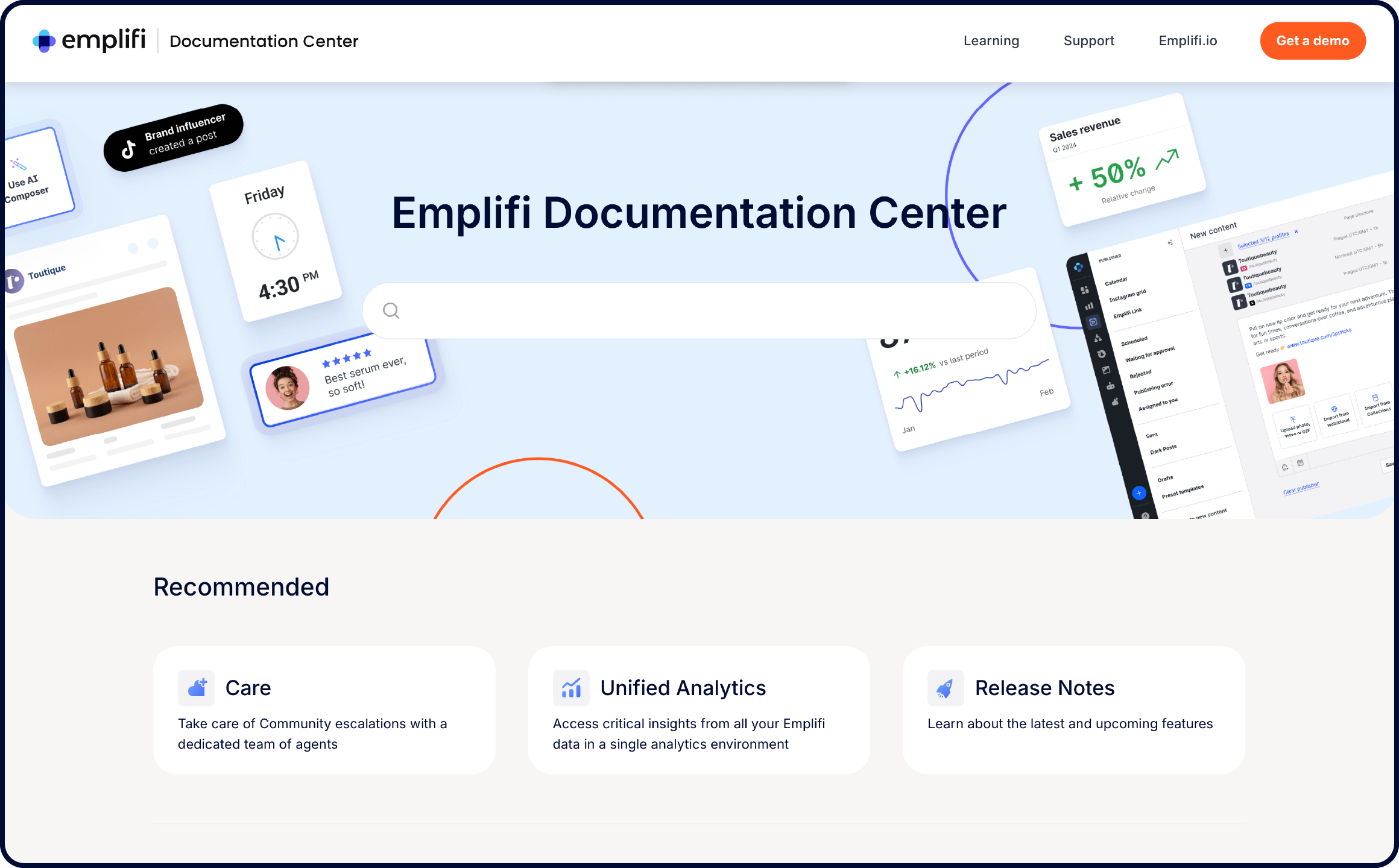
External Help Center
Internal Knowledge Base
Get Inspired
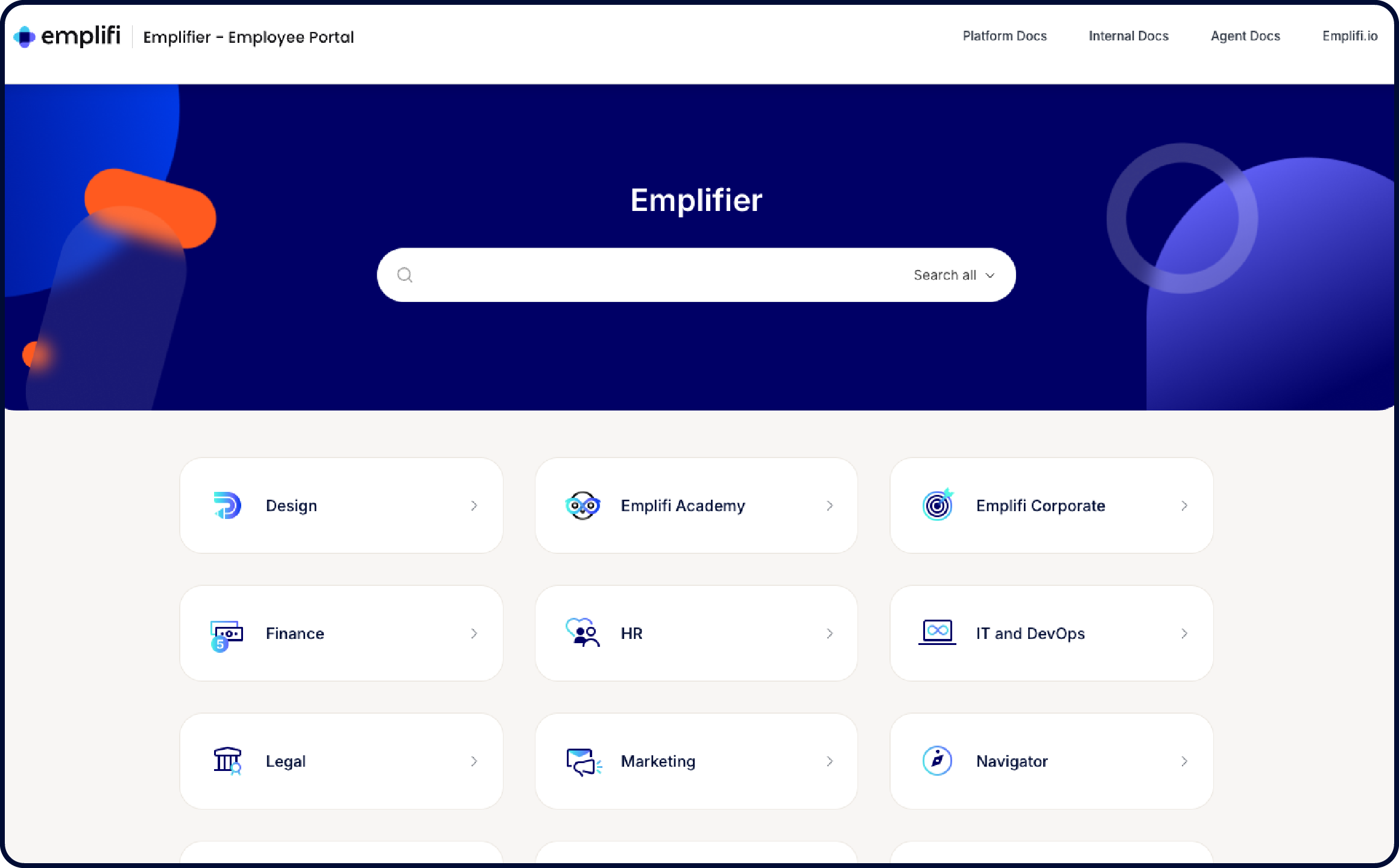
Explore real-life examples of how our customers share their knowledge with Scroll.
Real Feedback From Real Users
Here’s what our customers love about this solution.
See It in Action
Here’s how teams are using Scroll Apps to power their documentation.
Merging 4 companies is no easy task! See how Confluence and the Scroll Documentation Platform helped Emplifi’s team navigate change, consolidate tools, and unite teams to provide customers with a great enablement experience.

Learn how NAGRA migrated their team to Atlassian Cloud and get inspired by the beautiful documentation portal they deliver to their customers today with Confluence and K15t’s Scroll Documentation Platform.
Discover how AppFox launched a beautiful and intuitive help center on Confluence with Scroll Sites, backed by simple and seamless documentation process thanks to their Workflows app.
A Secure & Scalable Solution for All Teams
Here’s how we meet your security, reliability, privacy, and compliance needs. For more details, visit K15t’s Trust Center.

Reliability
We provide reliable and scalable solutions that minimize downtime and ensure your applications are always available. See our status page.

Atlassian Bug Bounty Participant
Our participation strengthens the security of our apps by proactively finding and fixing vulnerabilities.

ISO 27001:2022 Certified
Robust info security management systems within the product, ensuring effective data protection and risk mitigation.

Atlassian Cloud Fortified
Compliance with Atlassian’s highest possible security, reliability, and customer support standards.

No-Code Configuration
Easy Confluence-based UI, click-through configuration, & no manual scripting.

GDPR Compliant
We adhere to data protection and data subject rights for EU residents.
.png?cb=d11f99205833a1b1d2901313ffbfc87e)