 Note on the Future of Scroll Versions
Scroll Versions has helped teams deliver structured, versioned documentation for more than 10 years. While we’ll continue maintaining the app with compatibility and security updates, our focus for the future is Scroll Content Manager – a modern solution built for both Confluence Cloud and Data Center. If you're starting fresh or planning to migrate, we recommend exploring Scroll Content Manager as the next step in your documentation journey.

Where Versioned Docs in Confluence Began
Built for Data Center. Maintained with care. Reimagined in Scroll Content Manager for a future-ready documentation experience.







How Scroll Versions Works
Here’s a look at the core features that help teams get the most out of Scroll Versions.
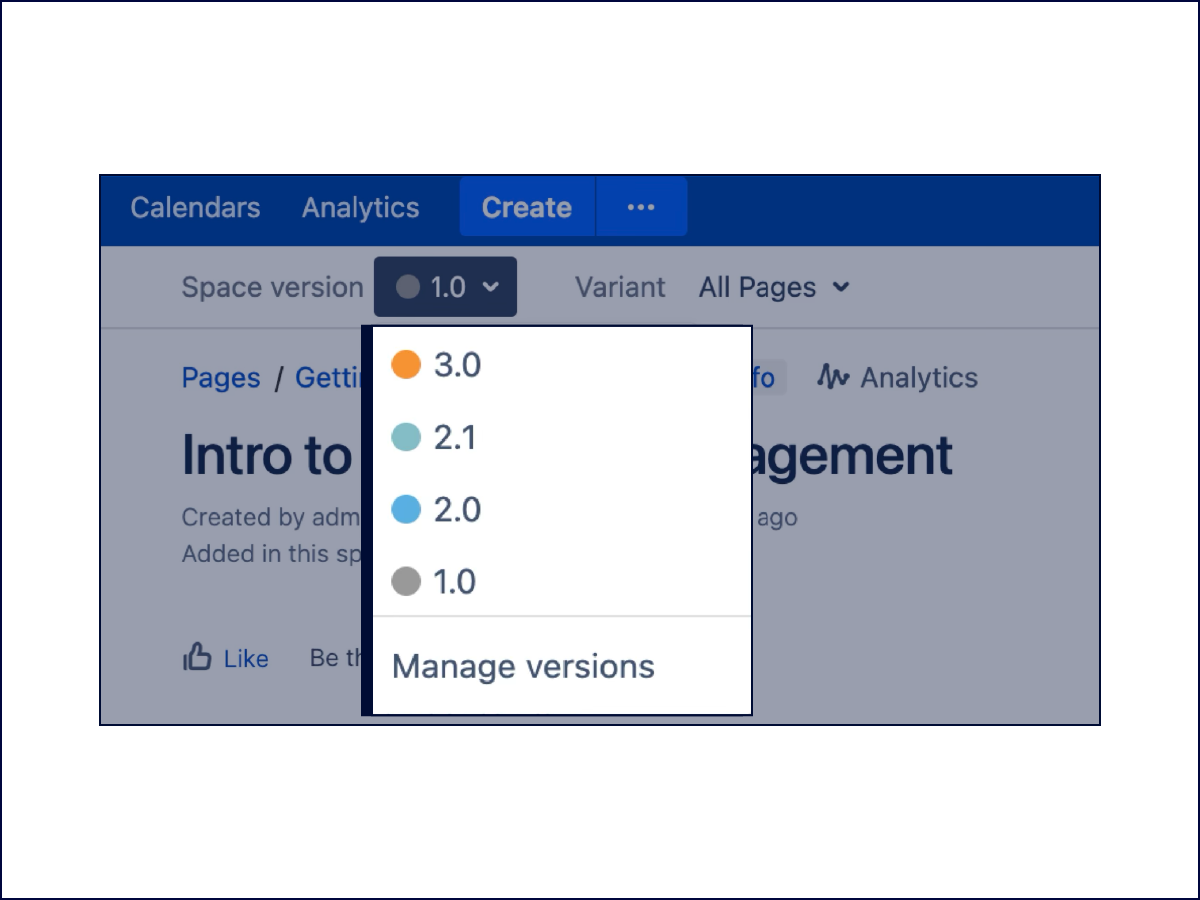
Multiple Versions
With Scroll Versions you can manage and author multiple versions of your Confluence documentation pages in a single space. Add or update pages and publish the appropriate version when the product is released.
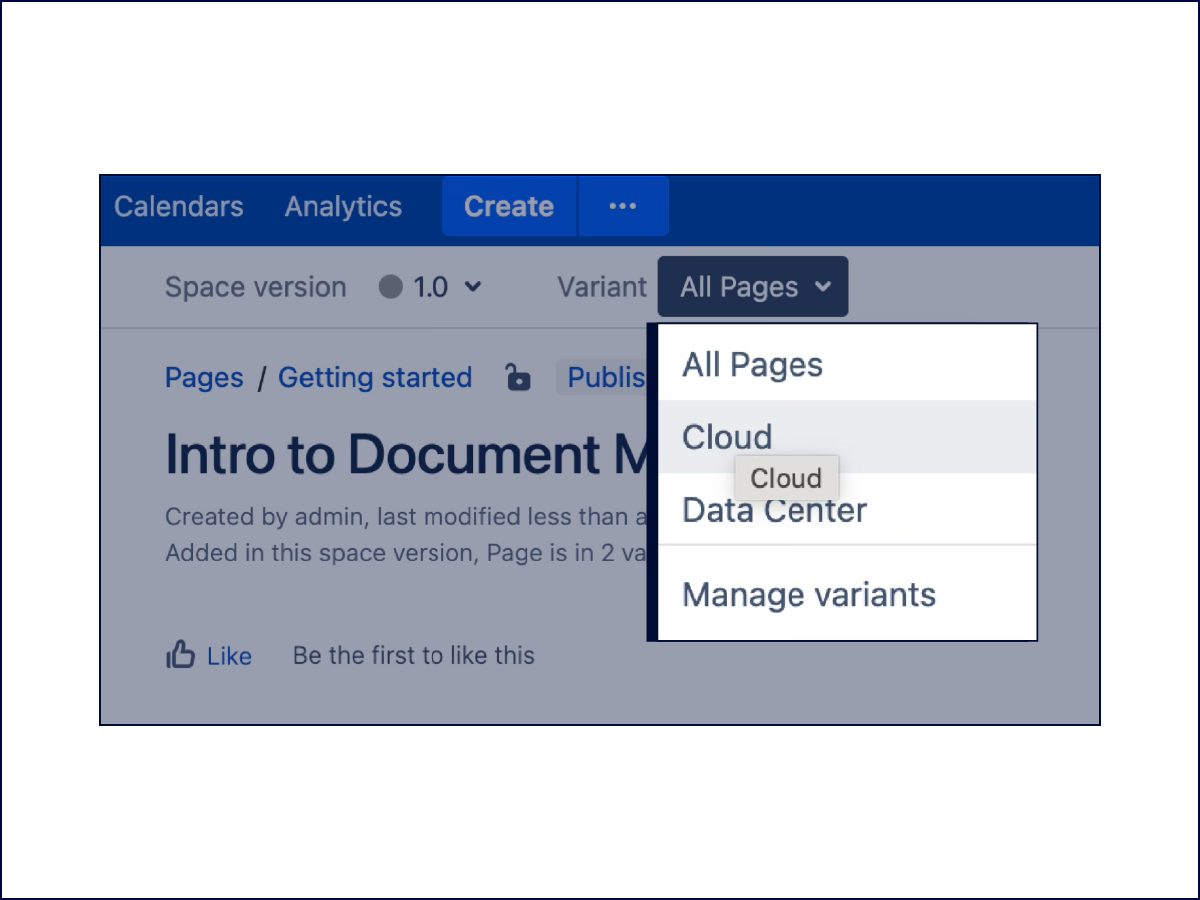
Multiple Variants
Manage different product variants within a single space in a simple and logical way. Space admins can define and control variants on the space level, and authors can define which content applies to which variant.
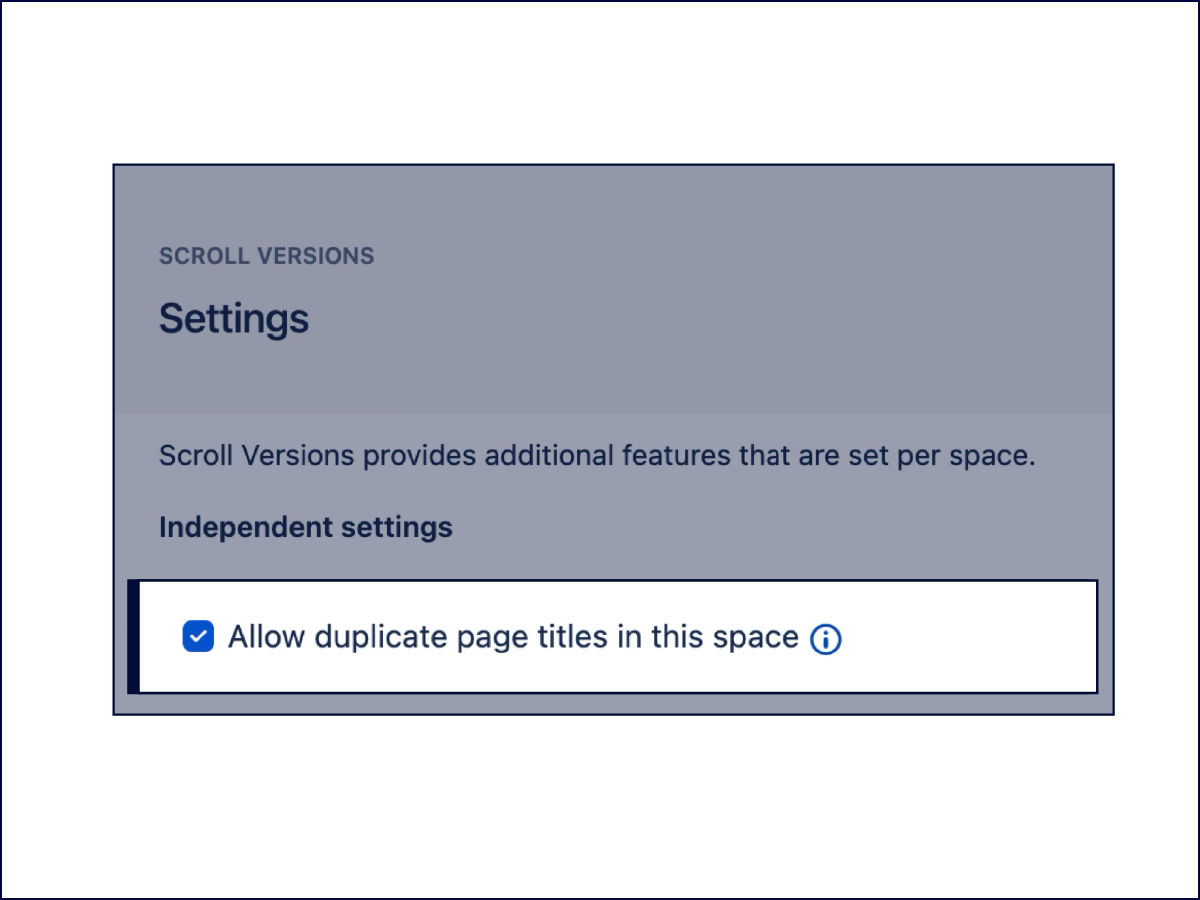
Duplicate Page Titles
Use duplicate page titles within a single space. Links are kept independent of page titles, allowing renaming of pages without breaking links. Define your unique permalinks.
Real Feedback from Real Users
Don’t just take our word for it! Hear it from our customers.

.png?cb=d11f99205833a1b1d2901313ffbfc87e)