In our recent newsletter, we examined the best practices for content migration in the context of creating a single source of truth.
This article supports the March 18, 2026 live stream about documentation migration best practices and explored ways of using AI to help with content transfer.
Migrating documentation is always a chore and many teams are trying to avoid and/or delay doing it. Documentation, and content in general, lives in legacy websites, writers have to work in multiple tools. It all adds up at every step of your documentation lifecycle.
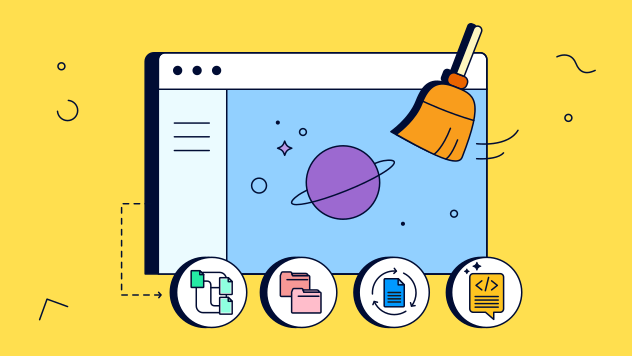
Migration and knowledge consolidation is THE perfect opportunity to start working on your new documentation strategy.
Single Source of Truth
Benefits of moving knowledge resources to a single platform are obvious:
-
Single source of truth – everyone knows where to look and what to trust.
-
Better governance – clear ownership and content live cycle management.
-
Less effort, lower cost – one tool and one license.
-
Happier readers – clear navigation, consistent formatting, unified experience.
Think of the migration as of a two phase process: Phase 1: Move & Improve, then Phase 2: Polish & Govern.
Also, moving available content into Confluence makes perfect sense. Confluence is an excellent documentation tool.
Live Stream Summary
Our live event was based on the earlier Weekly Dose of Confluence (link to follow soon), but the debate itself opened up a flood of opinions, experiences, and questions.
We talked about:
💭 Planning what to migrate (and what to leave behind)
🧱 Structuring your spaces and pages before and after you import
📄 Handling Word and Google docs
🌐 Cleaning up and importing HTML content
🧹 Normalizing formatting, headings, and page structure
🧠 Using AI to speed up cleanup and restructuring
Watch the full livestream:
https://www.youtube.com/live/T9vpiP6787M
Can Vibe Coding Help With Migration
We admit, there is a fine line between migration and migraine, but we tried to vibe code a little helper app live on stream.
A simple website scrapper extension.
Why is it useful? Well, very often, you may not have access to the original source CMS. Or you do but export options are limited and produce output that you cannot use. But you have that old legacy help website with valuable content. And because Confluence features an HTML importer (in beta), we wanted to explore if we can make a tool that might speed the migration process.
And we decided to share those prompts with you. You can download the PDF file with all the details.
Before you download the file, remember the following.
-
This is an inspiration.
-
Your results WILL vary depending on the input, and other factors such as:
-
How complexity is the website you’re trying to scrap.
-
How AI tool of your choice interprets your prompts.
-
Etc.
-
-
A prompt may not necessarily produce the exact same code.
-
Expected that refinement attempts and increasing complexity might lead to AI going in circles.
-
Whatever you vibe code, use discretion, common sense, and your company’s IT/Security policies before you deploy it.
Download the PDF with the logic and reasoning details.
K15t Content Migration Vibe Coding Exercise.pdf