
In this issue, we’re looking into the new Synced Block macro, examining how it changes content reuse on Confluence, and how it can bring your documentation and content management to a whole new level.
From disclaimers and deprecation notices, to structural components of massive documentation sets, tools that allow content reuse are crucial for content management and… sanity of writers and information architects. With the new Synced Blocks macro, Confluence made the step towards component content management systems – with a typical Atlassian twist.
What is Content Reuse
The idea for content reuse is simple. Write something once – create the original, the source. Then copy it to multiple places with an inherited dependency. The win? Every time you change the original source, all its copies change as well.
Content reuse or, to use its high-brow name, transclusion, is a must have feature for any content management system. It saves time and money, and allows for easy proliferation of information across a doc set. In the world of technical documentation, presence of the feature, and the ease of use, separates professional tools from DIY solutions.
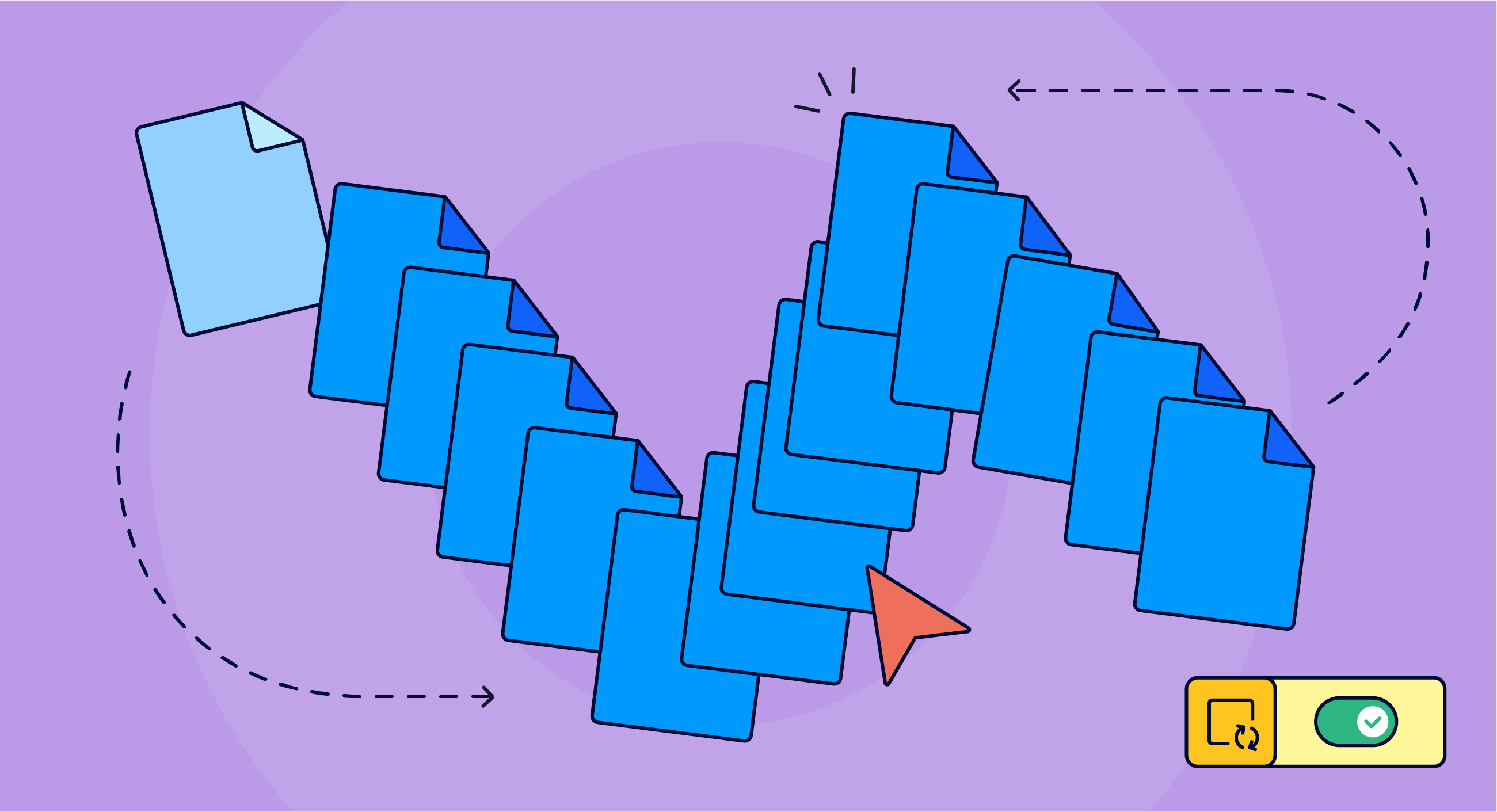
Naturally, Confluence supported content reuse from the very early days. Over time, it evolved into two tools, a pair of macros currently known as Excerpt and Insert excerpt, and the Include content/page macro to reuse entire pages. Writers love them and developed amazing use cases – from building image libraries with excerpts, to creating giant pages for mainframes' data elements dictionaries using multiple Page includes.
Sometimes clunky to use, and in need of seriously thought-through content management policies, those macros have become indispensable for information architects who use Confluence as their documentation content management system.
New Sync on the Block
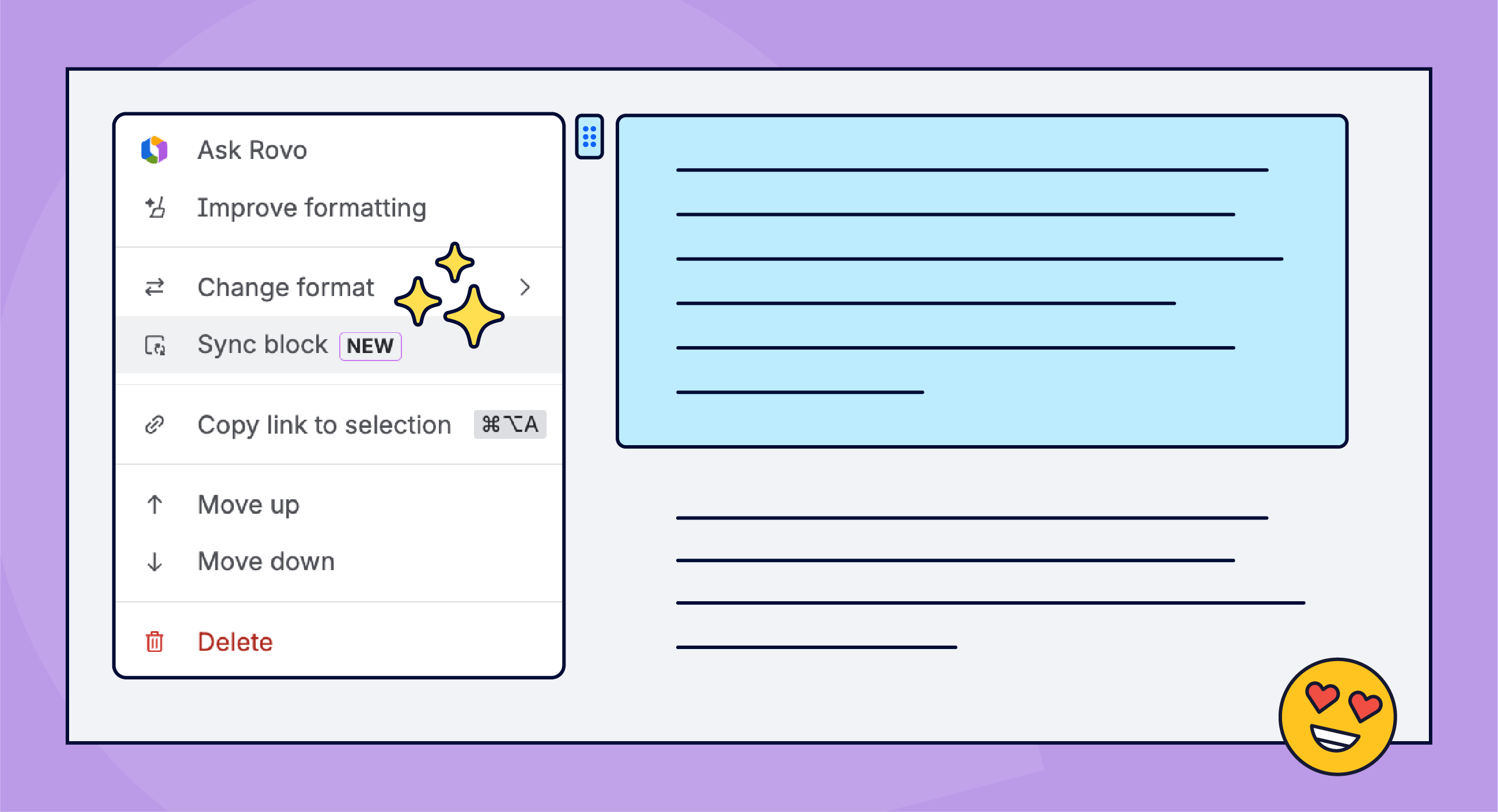
In February this year, a new content reuse tool appeared in Confluence documentation – Synced block.
The potential was clear, and we were soon getting questions from clients asking if we were going to support it. We do, but more on that later. What we heard were all the right buzzwords such as DITA and CCMS, acronyms for advanced content architecture systems in which the basic unit is not a page but a precisely defined chunk of content – sometimes as small as a disclaimer, paragraph, a bullet list, or a procedure. Final doc sets are then literally assembled from these micro-copies using rules similar to conditional content.
Early users saw the power of Synced blocks. So how does the macro work and is it worth the hype?
Content Reuse Supercharged
In principle, Synced block works remarkably similar to Excerpts. You create a source piece of content and then reuse it as needed. But the sheer comfort of reusing and editing source blocks brings usability to a whole new level.
You are literally cloning content with the original dependency intact. What’s so magical?
-
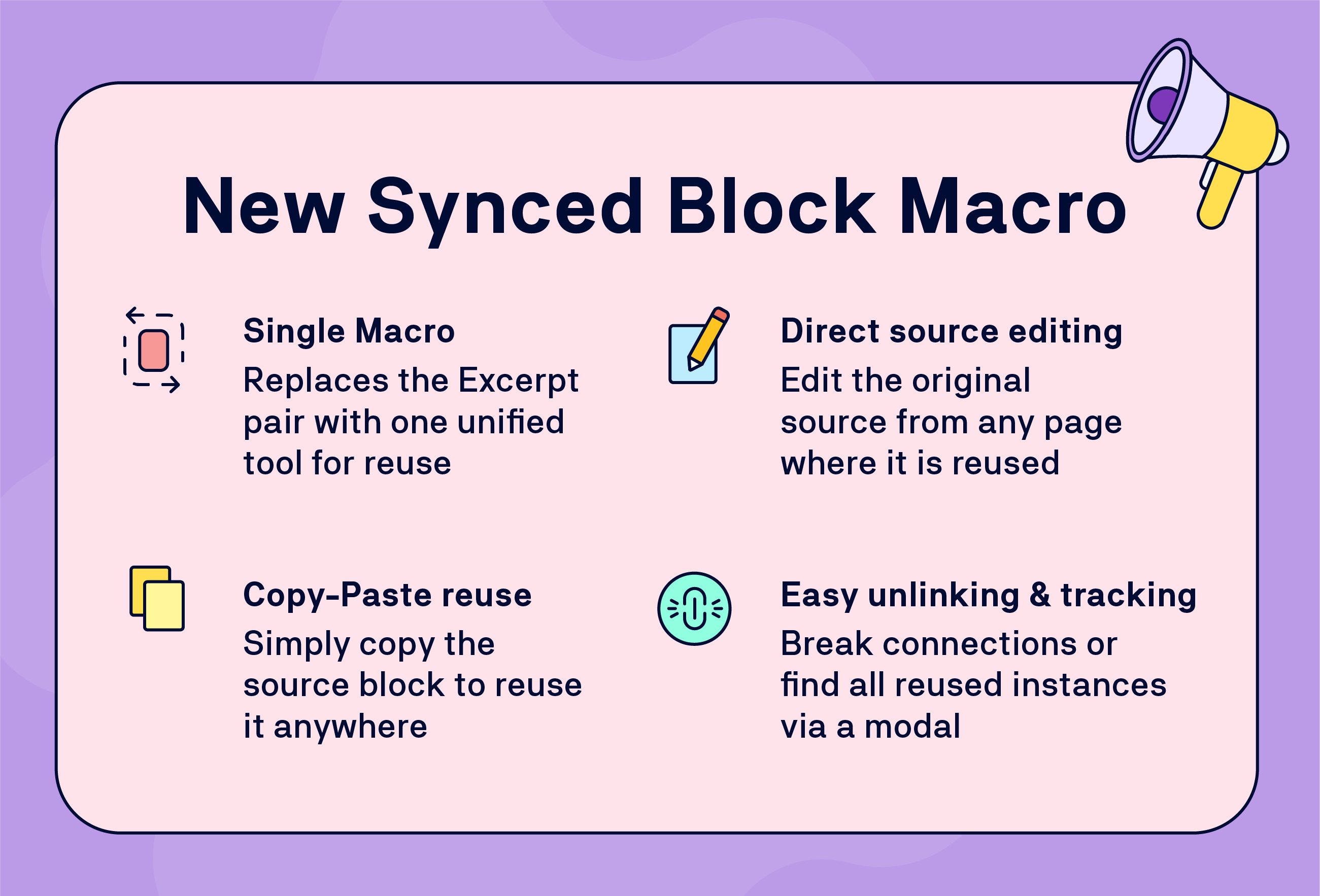
A single macro instead of a pair.
-
Convert any element on a page into a source synced block.
-
To reuse content, simply copy and paste the source block – or any
copy of it. -
To edit the source, open any page where the block is reused, and
go straight to the source. -
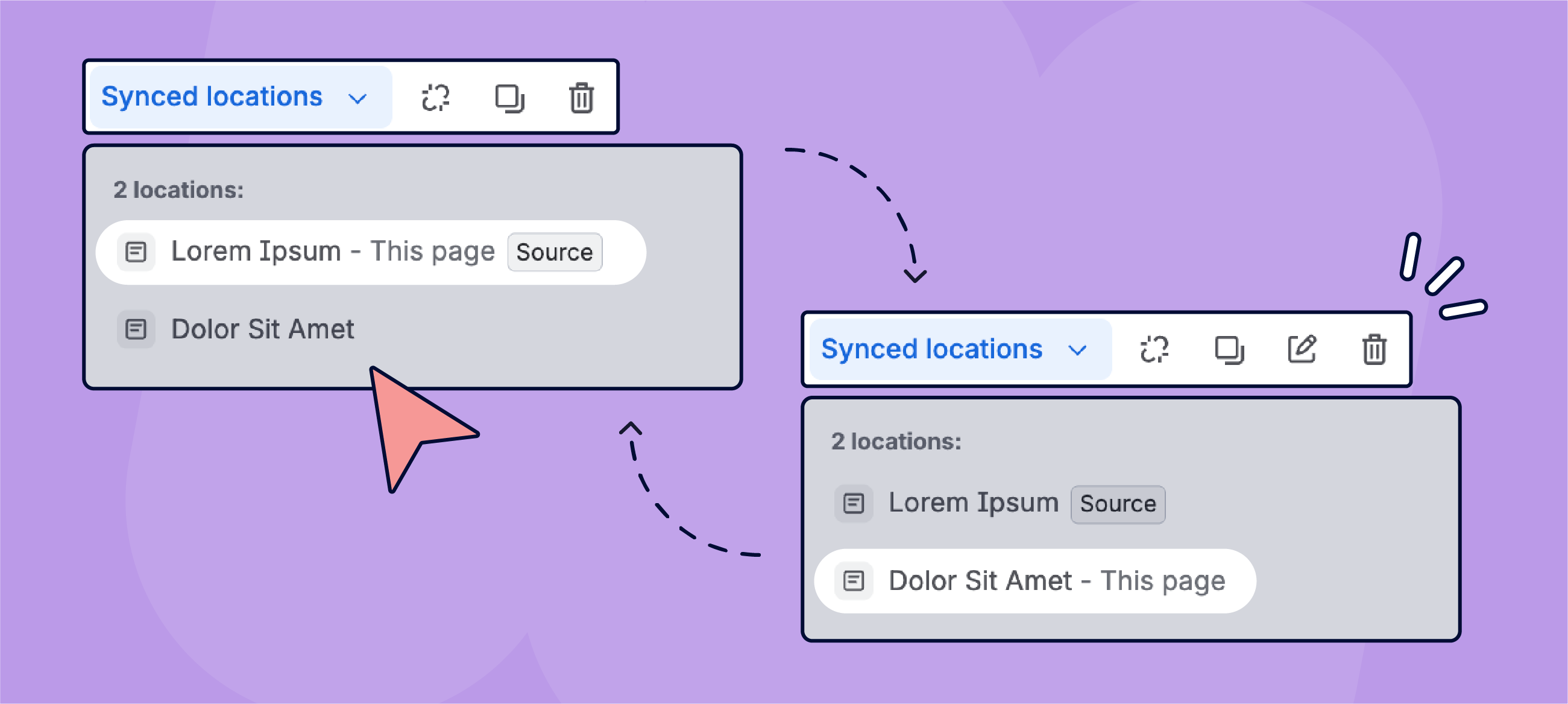
To break the connection, just click unlink.
-
Do you want to find out on which pages a specific block is reused?
Just open the macro’s modal.
This ease of use makes it more likely for people to adopt Synced blocks as a content reuse feature on a much larger scale and in a wider range of scenarios.
Especially when combined with Variants for Scroll Content Manager and Scroll Sites for Confluence. Why? Because in our implementation of Synced blocks support for the two apps, variants' setup controls under which conditions the individual Synced blocks appear on specific pages in your customer facing documentation that you created with Scroll Sites.
In other words, you don't need to wrap a synced block in a Conditional Content macro to make it variant-aware – placing the source on a variant-specific page is sufficient.
Reality Check
Does the Synced block macro turn Confluence into a full-on DITA? No. But one of our clients described it as DITA light.
And we think they got it right. With clever conditions setup of your variants and Synced blocks, you can inch closer to capabilities of dedicated, component based, content management systems.
We’d love to see better integration with Confluence content management tools such as Content manager, Databases, and labels). Compatibility with a wider array of native Confluence macros would not hurt either.
Synced block is a new feature, though. Let’s hope that Atlassian will continue adding features and options. For example, in the above-mentioned twist, Synced block is being rolled out to Jira bringing content reuse and the concept of the single source of truth to work management.
Keep an eye on the official Atlassian documentation to learn what's new.
News
Get an early bird ticket for Team’26 Europe
Atlassian’s European edition of the annual Team event is practically just over a month away… OK, Team’26 Europe actually takes place on October 6–8 but the summer vacation season doesn’t count. We'd love to meet you there!
Earlybird rates are open – but passes are limited! Register quickly to secure a heavily discounted ticket and reserve your spot in Amsterdam.
As always, the K15t crew will be onsite as a Premier sponsor with our traditionally very popular booth and swag.
Spotlight
Relive our webinar: Guests in Confluence

Ever wondered how to manage Guests in Confluence and lived to tell the tale? Our customer advocate Matt Reiner and Editor-in-Chief Kris Klima discussed the pros and cons of using the Guest feature on Confluence, its benefits, risks, and the best practices for corporate-grade policies.
Click below to watch the stream on our YouTube channel.
Benefit from Monthly Confluence Tips

Join our Monthly Dose of Confluence newsletter and discover smarter ways to work, publish, and collaborate in Confluence.


