You’ve created fantastic content in Confluence and have published it online for a general audience to read. There’s just one problem: Nobody is visiting your newly published pages. What’s gone wrong?

The answer might be that your content isn’t being surfaced to your audience by search engines. This article will help you understand why, and what you can do about it.
Optimizing Your Content for Online Search
We need to make one thing clear before we begin: Confluence is not built with search engines in mind. The goal of Confluence is to allow an organization to work together on documentation seamlessly, not necessarily publishing that content directly online.
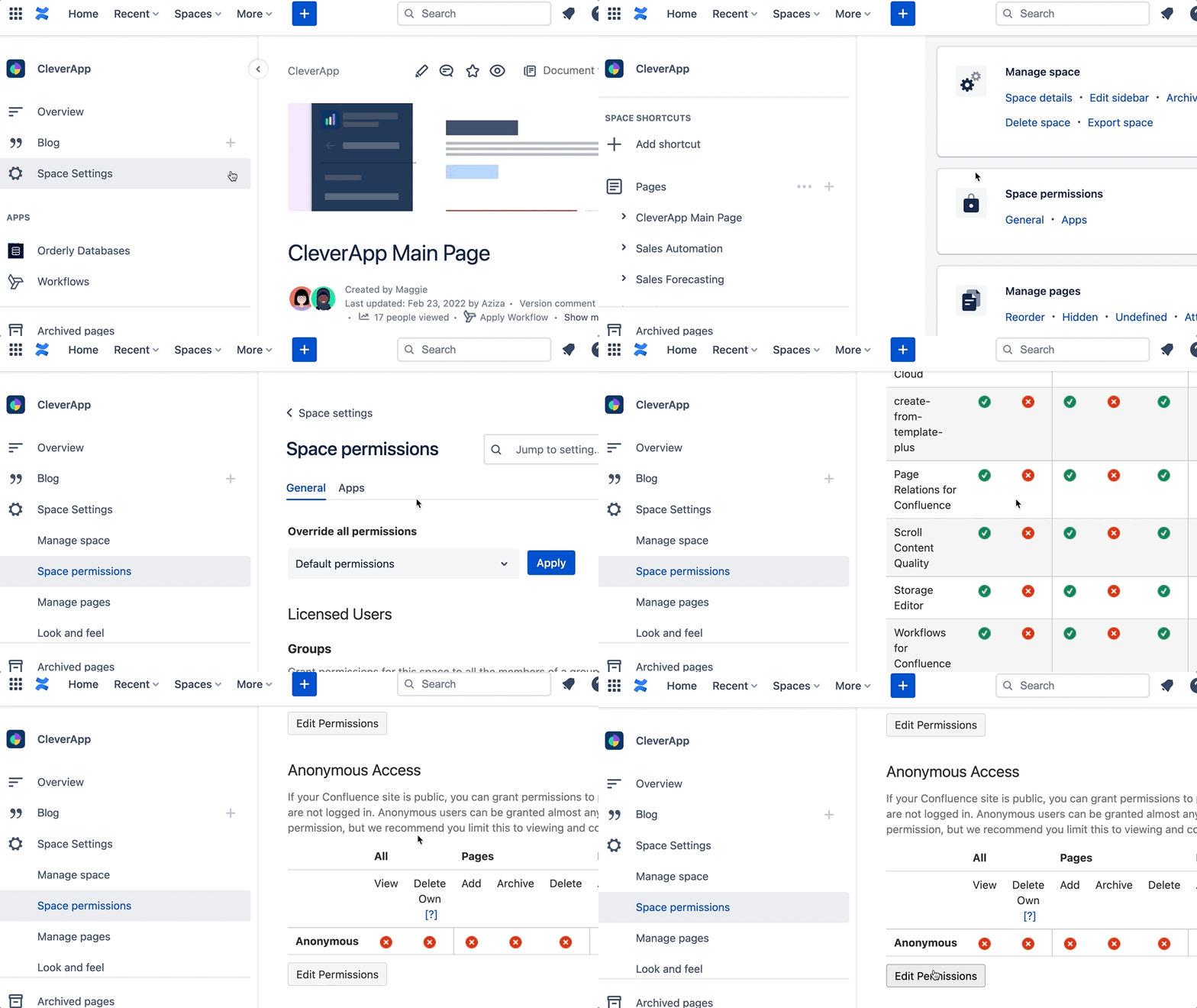
That said, you can publish your content through Confluence. Make sure that your Confluence instance and content are accessible for anonymous users, and they will be available to be found online, including by search engines.
Now, we need to create content that’s search engine-friendly, so our pages get surfaced to users. The whims of the Google Algorithm are naught for us mere mortals to comprehend, but there are a few tricks you can use to ensure that your content reaches the people it's meant to reach. The solution here is called SEO.
What SEO Is and Why You Should Care
SEO stands for Search Engine Optimization. It describes the practices that help search engines like Google to understand, index, and rank web pages in search results. When your content is optimized for search engines, it’s more likely to appear higher in search results, meaning more people can discover and benefit from your work.
This matters for your public Confluence pages because even valuable, well-written content can get lost among millions of pages if search engines can’t properly interpret it. SEO helps bridge that gap by making it clear what your content is about and matching it to the questions your audience is searching for.
In practice, SEO means answering real questions in a way that both humans and search engines can understand, using clear page titles, meaningful structure, and content that delivers on what it promises. Once your Confluence pages are publicly accessible, search engines treat them like any other web page, which means many familiar SEO principles apply, even though Confluence itself isn’t a dedicated publishing platform.
Contrary to what many people think, SEO does not mean keyword stuffing – not anymore. While stuffing keywords into a text did work in the early days of search engines (late 1990s → early 2000s), that hasn’t been true for a long time. Modern search engines prioritize clarity, relevance, and usefulness. Pages that use keywords unnaturally are often downgraded, not rewarded. Good SEO today doesn’t reduce content quality. Quite the opposite: it helps create clear, helpful content that answers real questions.
Let’s take a look at a few easy ways to improve how your Confluence pages perform in search results.
SEO Basic: Use Keywords
When creating a Confluence page, make sure the page title includes keywords - the exact words and phrases users will be searching when looking for your page. If you imagine your user is searching “How do I delete a comment in YourSoftware?”, title the page “How to delete comments in YourSoftware”.
Don’t just write gobbledegook on your page to try include as many keywords and phrases as possible though. Search engines prioritize good quality content and are smart enough to recognize when keywords are used excessively.
Watch Your Image Sizes
Search engines favor websites that load quickly, so keeping your image sizes under 200 KB each is a good rule of thumb. Large images can slow down your page, which can negatively impact your search ranking.
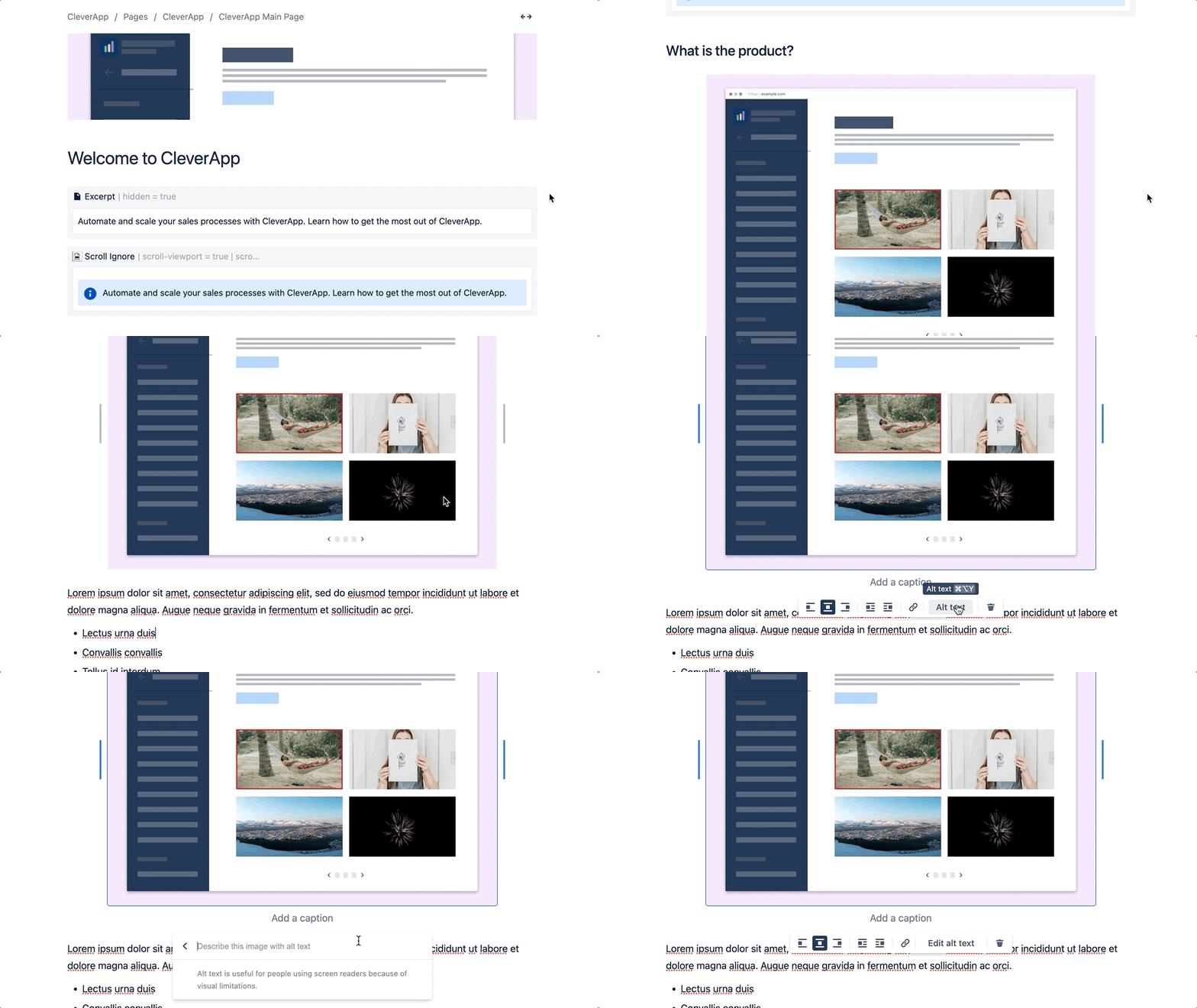
Additionally, search engines can’t “see” images the way humans do. Give your images descriptive file names and alt text that clearly explain what’s in the image. This not only helps with SEO but also makes your content more accessible to people using screen readers.
Use Headings to Create Clear Structure
What size your headings are matters for more than just style reasons. Search engines pick up on whether you use heading size 1 or 2 (H1 or H2). In Confluence, the page title already serves as the main heading (H1). When publishing content online, avoid using additional H1 headings in the page body. Instead, structure your content using H2 and lower. This creates a clear hierarchy and helps search engines identify what’s most important on the page.
If you have any experience with SEO, all of this will sound familiar to you. You’ve created a publicly available web page, so naturally it follows the same rules as the rest of the internet in how it interacts with search engines.
All the SEO tips in the world won’t matter if people don’t like your content. Search engines care if users stay on a page and read the whole thing. If readers click off the page quickly because it’s not useful for them, search engines notice that and downgrade the page as a result.
The Limitations of Confluence External Publishing
These best practices help, but it’s essential to understand where Confluence reaches its limits as a publishing platform.
-
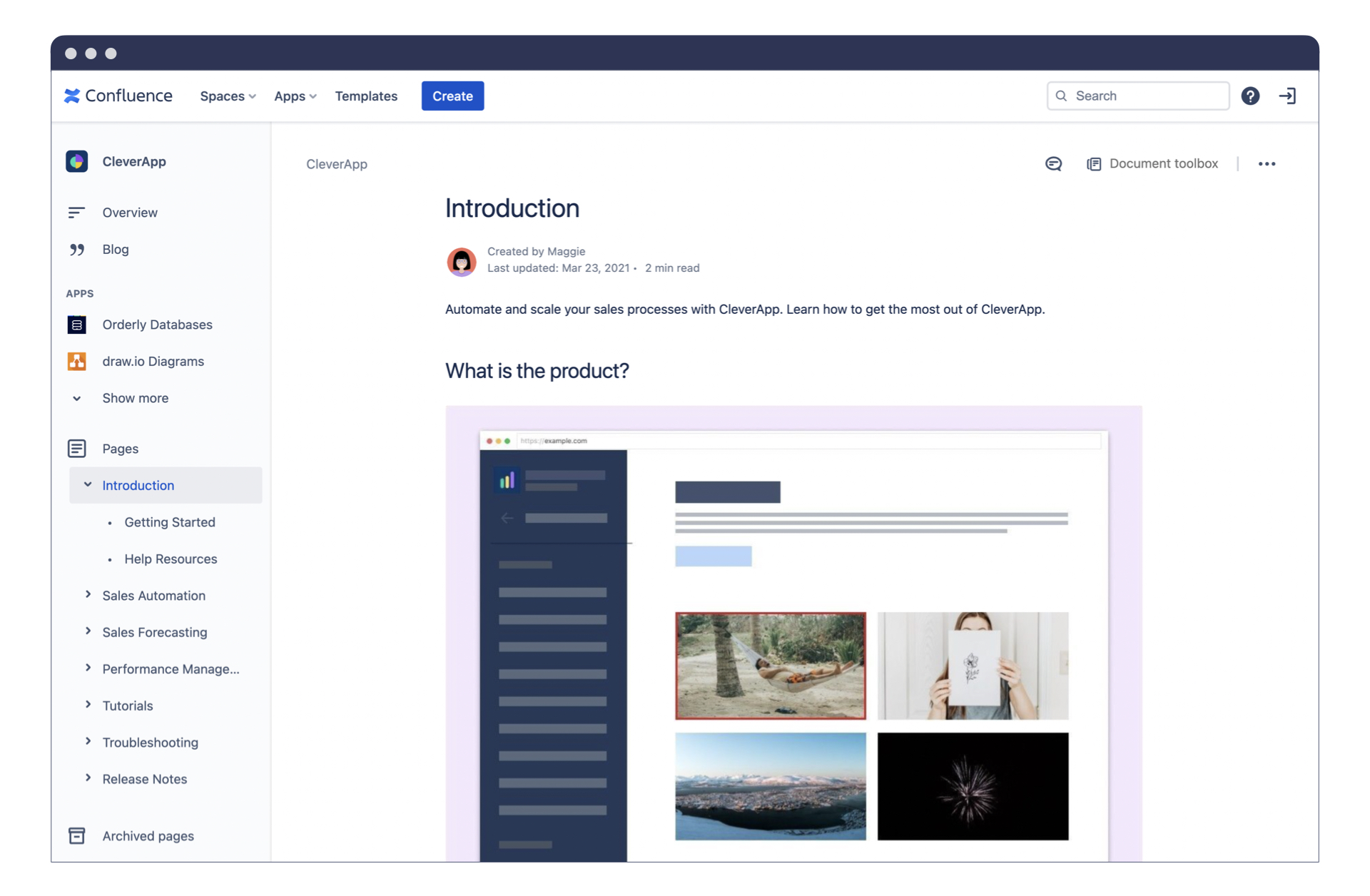
Design constraints: Confluence offers limited design and theming options. What you see is what your users get, with little room for customization.
-
Distracting elements: It’s not the prettiest website you’ll find on the internet, and the end user will see a lot of elements that they can’t use, which distracts from the main content.
-
All these extra elements that the end user can’t interact with add to the load time for the page as well. As we explained earlier, search engines don’t like long load times, so this is all wasted bandwidth that’s further harming your SEO.
-
-
Unfriendly URLs: Your website URL will always have the “atlassian” part in it. So it will read your-site.atlassian.net/content. This hurts search engine optimization as users get intimidated by longer and more confusing URLs. Even Google’s own SEO guide highlights how important a clean URL is.
-
Missing SEO features: Other methods of search engine optimization that are usually part of website builders aren’t present within Confluence. A good example is preview text, the sentence that shows up under the page title on search engine results. You can modify that to make it more enticing to users in many website builders, but not when publishing with Confluence.
-
Mobile experience: Confluence is not built for mobile. Considering how much of internet traffic today is through handheld devices, your website is not going to look great on a phone. Search engines give more weight to a mobile site’s performance over its desktop site, which makes optimizing for mobile even more important.
It ultimately comes back to who Confluence was built for. Confluence is for collaboration. It’s built for teams to share and work together on documentation. It isn’t built with external viewers in mind.
That doesn’t mean it’s impossible to add this functionality, though. In fact, with the right set of tools, you can turn your Confluence content into a beautiful online help center or wiki for your users to find. To do that, you just need an app from the Atlassian Marketplace.
Turn Your Confluence Content Into a Branded Website
Diving into the Atlassian Marketplace, you’ll find a wide range of apps that extend Confluence and adapt it to different use cases. We, at K15t, build several apps for managing and publishing content, and the one designed specifically for sharing Confluence content online is Scroll Sites.
https://youtu.be/UVUW2ZNiIMU?si=u_yw-rOjhyDYmADv?utm_campaign=seo-update-seo-confluence-articel&utm_source=rock-the-docs&utm_medium=article
Built by us at K15t, Scroll Sites lets you transform your Confluence content into a branded, high-performance website. You can customize the look and feel to match your brand, connect your own domain, and benefit from clean, stable URLs that support search engine visibility across the entire site. Scroll Sites is available on the Atlassian Marketplace.
This way, your Confluence content stays collaborative on the inside, while becoming easier to find and use on the outside.