
Making a document unmistakably yours, putting a permanent message on every page that can trace it back to a person or a date was the historical role of watermarks. Let’s explore how they work in Confluence no matter whether your use case is convenience or compliance.

Watermarks Belong to Publishing
Banknotes, photos, documents… Watermarks go back to the 13th-century Italian paper manufacturers. Over the centuries, methods for applying watermarks evolved from altering the thickness of paper, through pressing stamps, or even sewing thin metal wires directly into paper, to digital imprints.
Obtrusive enough to be visible, yet gentle enough not to get in the way, the use cases for watermarks haven’t changed that much – add an extra message to a document. So it’s surprising that Confluence has had a really cold relationship with watermarks for years.
Why Watermarks Are Important
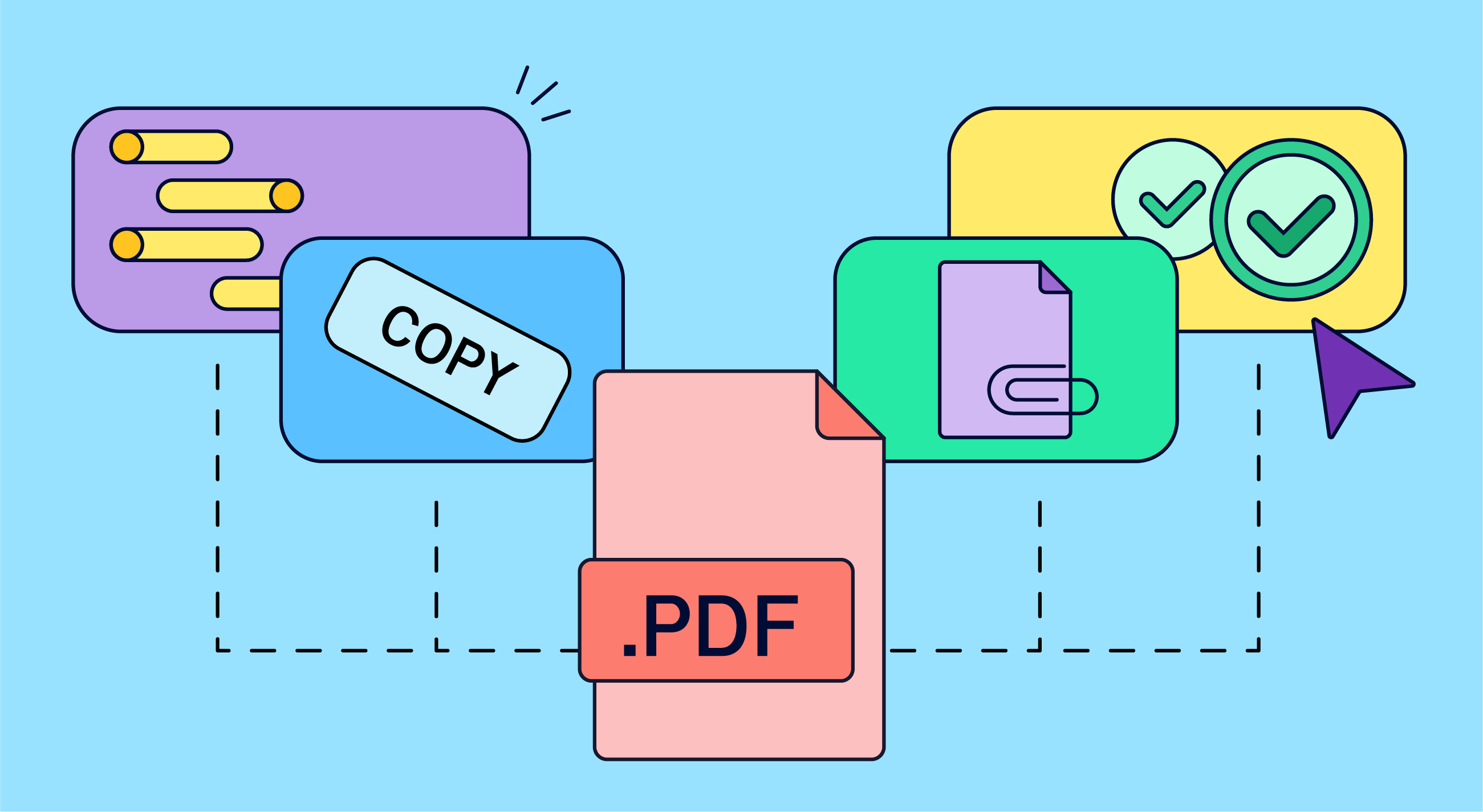
Who needs a watermark when content stays in Confluence!? Well, that’s a valid argument. Confluence offers a lot of clues to indicate pretty much anything that a watermark can say. Until you, or somebody else, need to export a document into the offline PDF format to archive, submit to auditors, print an emergency copy, or just to export a single-page SOP (standard operating procedure) document with all its necessities.
A typical watermark might display:
-
Who exported the page / space
-
When
-
Page version
-
Page status (draft, approved, confidential, etc.)
Those details are incredibly important in any scenario when your need to produce offline documents meets compliance requirements.
Indicating a draft signals that the document is not production ready. A date on an SOP form will cross-reference it with any process valid at that specific time – or warn the user that a procedure is out of date. Embedding a watermark that states the name of the user tells you who to blame.
A Confluence of Workarounds and a Solution You Can’t Have
Confluence has always offered time-consuming workarounds to cater for the absence of watermarks. For example, a form at the top of the page that required anyone exporting a PDF to fill in the details. If they have edit permissions. Which would, in many use cases, invalidate the whole point of having an immutable copy.
Another option is hard-wiring various disclaimers into Warning macros onto every single page of a Confluence space which is a tedious task even with content reuse tricks.
Confluence had to change. And it did. After an update that made small improvements to PDF exports, Atlassian introduced the option to add watermarks to a Confluence page to secure your exports.
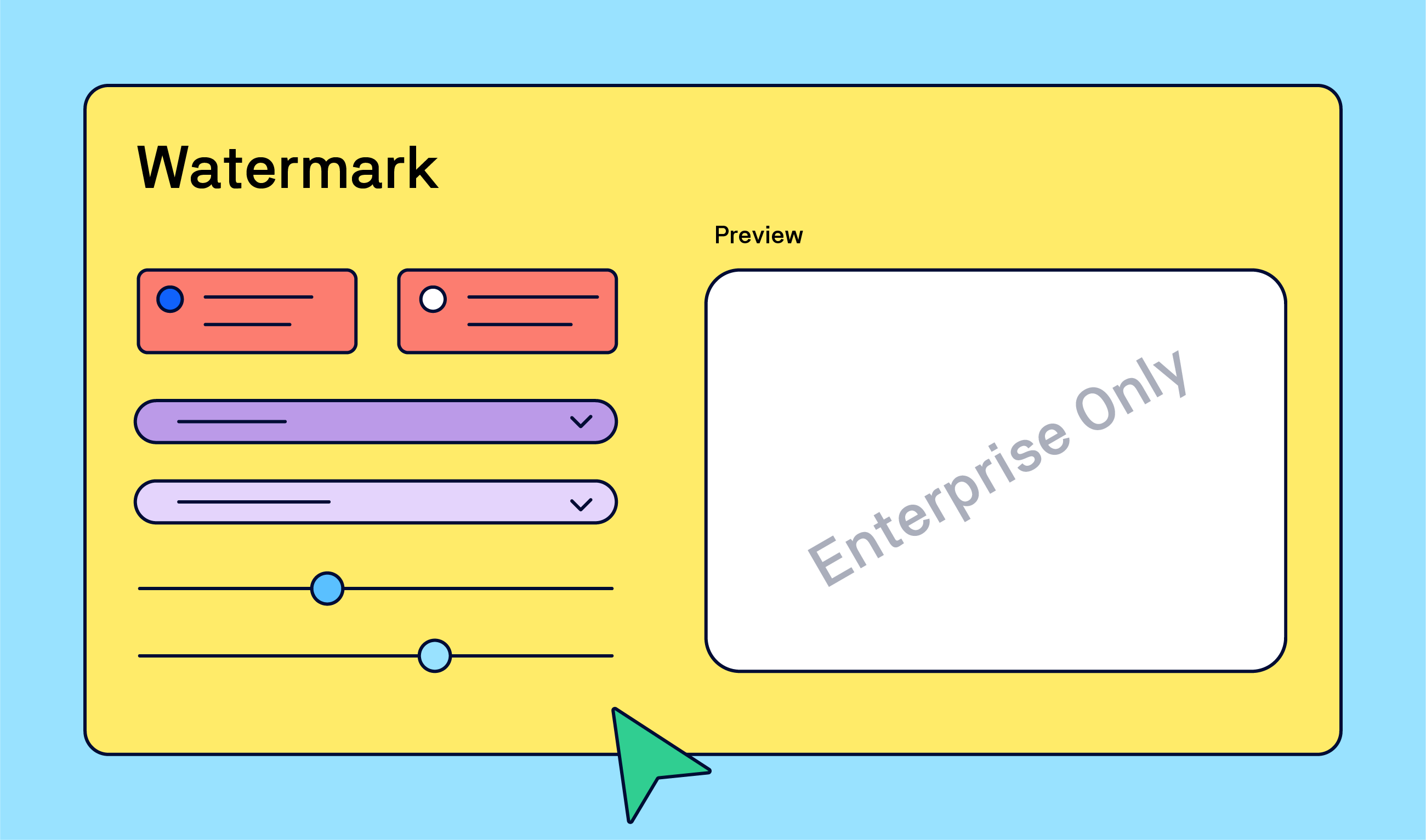
While you have a nice array of tools, there are currently three major drawbacks.
-
Watermarks can only be applied to images.
-
You can only choose between a logo and a user ID.
-
The feature is only available on the Enterprise tier.
We understand that there are technical limitations and that it's impossible for a tool such as Confluence to offer full-fledged solutions for every possible use case. That’s why there’s a thriving Atlassian Marketplace. Some apps aim for that specific niche, such as adding watermarks to your PDF exports. Others take a more comprehensive approach to customizing PDF exports.
But restricting the feature to the most expensive pricing tier, which also carries a minimum license count, is a questionable decision that says security and compliance are the domains of large companies.
From Watermarks to Full Compliance
Of course, one watermark does not a compliant document make. As we point out in our deep dive into watermarks on our Learning site, a watermark is a fantastic stepping stone toward compliance and security. A visible do not trespass sign that instantly flags a document's status or origin the moment it leaves Confluence.
But to achieve full document control, you need to combine the little stamp with other compliance measures. Closing the loop means pairing dynamic watermarks with adjustable metadata baked directly into the file, strict approval workflows, locking in permanent snapshots of entire spaces, and long-term archival formats like PDF/A-3.
True compliance comes from layering these tools to ensure every exported document is fully accessible, traceable, and trustworthy. But a simple watermark solves the immediate problem of offline traceability and your company’s internal accountability.
News
Team’26 Europe – wish you could go?
One month to go to Team ’26 Europe, which takes place on October 6–8, and all the best ticket deals are gone. Sigh…
But we also get that not everyone can travel to Amsterdam, Netherlands. If that's the case, head to the event site and grab a digital pass to attend remotely.
Our own Matt Reiner will host a theater session about ways to build a Teamwork Graph that adds increasing value to your organization. Make sure you don't miss it. Whether in Amsterdam or from the comfort of your chair.
Keeping up with the Atlassians
You open your Confluence page in the morning and things are a bit different… As everyday users, we’ve all been there. Atlassian’s pace of development has been increasing to the extent that it’s hard to keep up, especially if you’re using a wide array of Atlassian apps.
Atlassian’s Release Notes pages aim to bring order into not just the current releases but also lists features that are planned or being rolled out.
For example, what caught our attention is the rollout of a new feature that allows you to search across multiple Confluence and Jira cloud sites simultaneously.
Benefit from Monthly Confluence Tips

Join our Monthly Dose of Confluence newsletter and discover smarter ways to work, publish, and collaborate in Confluence.


