
We’re looking into what Rovo is, what it isn’t, and why the state of your Atlassian organization determines which face of Rovo you're going to see.

“Just use Rovo!”
You’ve probably heard that a lot recently. But what does ‘use Rovo’ actually mean? And what is Rovo, anyway? How does it see my work? How does it access information I request? Does it align with the existing permissions in our Atlassian organization? And where and when do I actually use Rovo?
Let’s tackle these questions one by one.
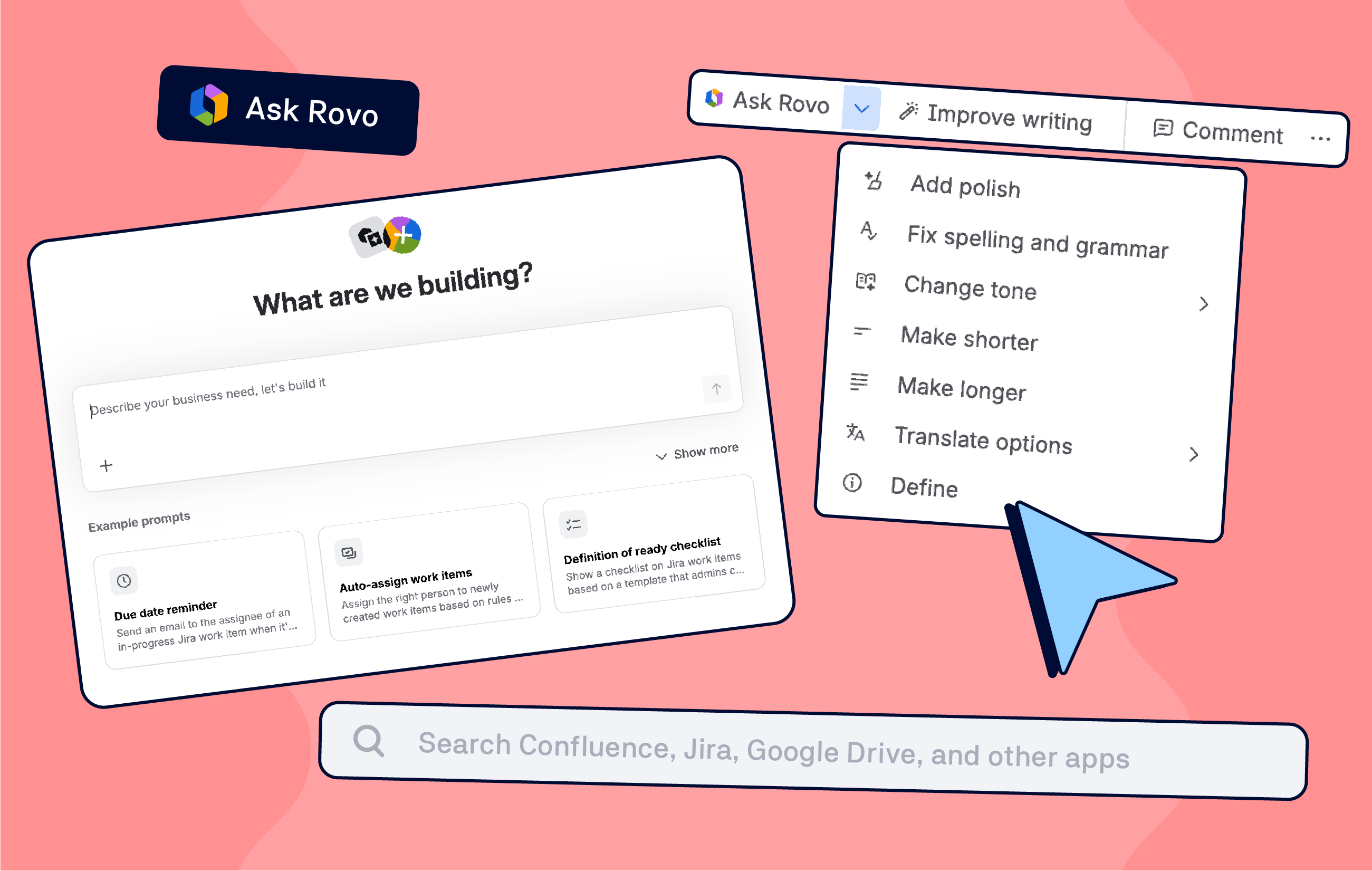
As you roam your Confluence and the wider Atlassian organization, you can meet Rovo at these places:
Search bar
In many Atlassian products, the global search has now become smarter by using Rovo to search across your Atlassian tools and connected systems.
Ask Rovo
An entry point to the world of Rovo. A panel you can open in Confluence, Jira, etc., to chat much like you would with ChatGPT or Gemini. If you’re only using the chat panel today, you’re seeing just one layer of what Rovo can do.
Inline assistance
In Confluence, you might see Rovo helping with editing, summarizing, or generating content. On whiteboards or other collaboration surfaces, it can help structure or transform what’s already there.
Rovo Studio
Found under your Atlassian Apps switcher, this app builder workbench where you configure agents, skills, and scenarios. This is where you define how Rovo should behave for specific use cases.
Agents
Create specialized assistants with a defined role. Agents can both reason about your content and (where allowed) take actions, like commenting on a Confluence page or updating a Jira issue.
So when someone says Use Rovo, ask them:
-
Do you mean search, chat, or a specific agent?
-
Are we talking about something that already exists, or something we need to build?
The Teamwork Graph: How Rovo Understands Your World
One of Rovo’s biggest advantages is what it sits on top of – Atlassian’s Teamwork Graph.
Think of it as a big connected map of resources within your Atlassian organization, for example Confluence and Jira items, comments, and relationships among individual elements. On top of this, you can connect external sources as well, such as Google Workspace, Microsoft 365 / SharePoint, Slack, Figma, Loom, etc.
That’s why you can:
-
Ask a question once and get results from Jira, Confluence, and Slack messages.
-
Build agents that pull from multiple tools without hard‑coding every integration yourself.
And here’s the crux of this.
Rovo works with the available data. If your documents are a mess, if your Jira work items are missing the details, Rovo will be just as confused, if not more, as you would be. You will get your answer. But as we said earlier… Garbage in, garbage out. In 4K.
How Security and Permissions Work with Rovo
When it comes to permissions, there are two groups of people.
-
Those who hope Rovo will get around restrictions.
-
Those who ask if Rovo will access data the prompter should not see.
Let’s break this down.
Access within an Atlassian organization
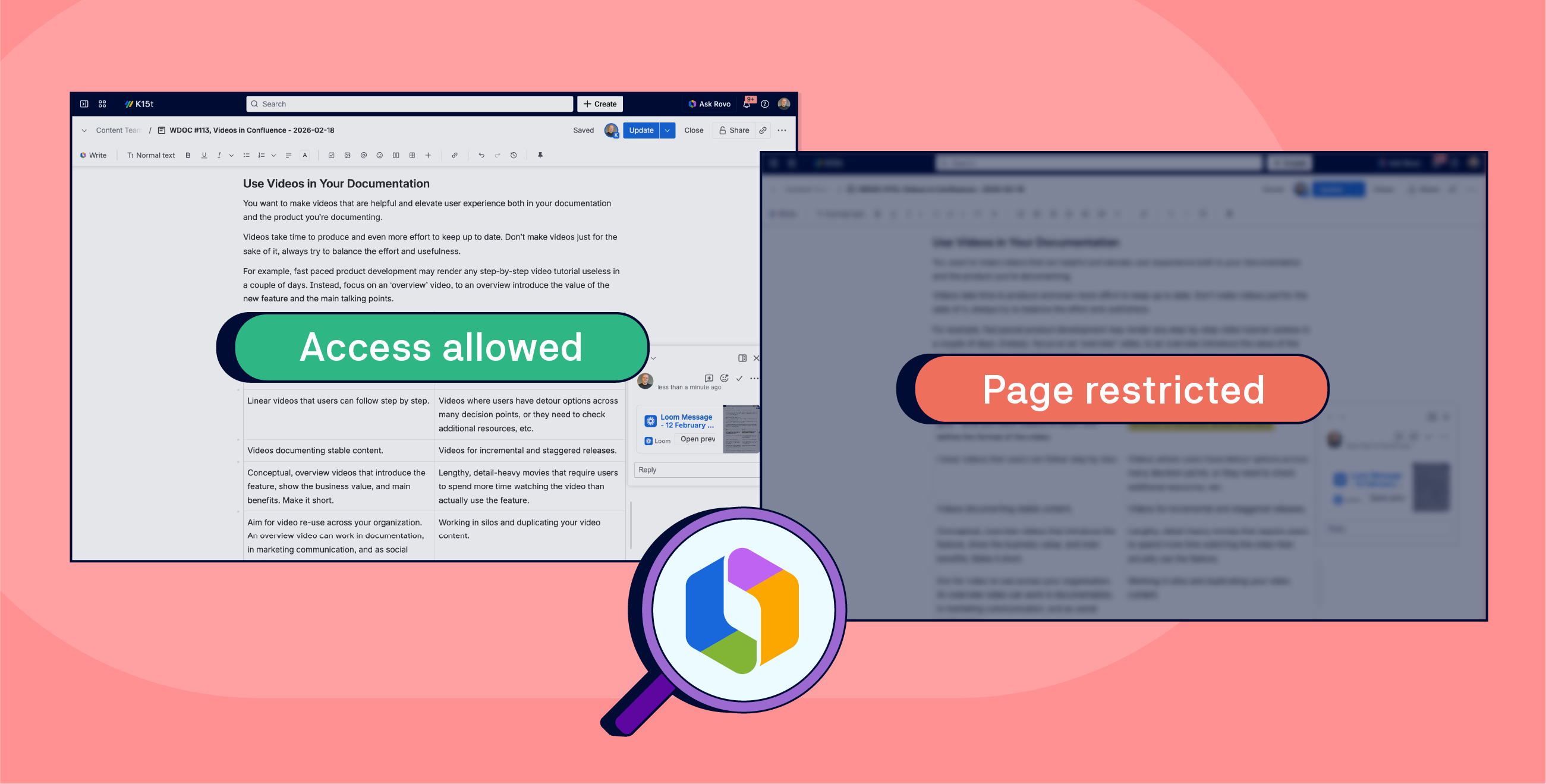
Rovo respects user-level access. In other words, Rovo and its agents can only see what you, as the prompter, can see. If an agent serves data to a user, the user will not see content they have no access to.
-
If a Confluence page is restricted from you, Rovo will not read or reveal it.
-
If a Jira issue is hidden from you, you won’t get its details through Rovo either.
You can’t just ask an agent to "read me a restricted page I don’t have access to" because it cannot see what you cannot see and will simply say it can’t access that page.
Data handling with external LLM providers
When Rovo uses an external LLM via API:
-
Your prompt and necessary context are sent to the model.
-
The provider returns a response.
According to Atlassian: “The LLM providers we use do not retain your inputs and outputs, or use them to improve their services.”
For highly regulated organizations, Atlassian offers the isolated cloud, where environments are segregated more strictly, aligned to stricter regulatory needs.
Browser extensions and other surfaces
What’s true for 3rd party LLMs also applies to the Rovo browser extension.
What Rovo Isn’t (yet)
Now that you know what Rovo is, let’s remember what it isn’t to keep your expectations grounded.
-
Rovo is not a fully autonomous colleague that replaces headcount.
-
It does not guarantee stable behavior forever – model changes will affect it.
-
There’s no magic roundabout to circumvent existing permissions.
-
It’s not a clairvoyant that can fill in gaps and iron out discrepancies in data.

How can you increase Rovo’s usefulness? As you work with Rovo this week, consider:
-
Clarify which Rovo you mean and set up expectations accordingly.
-
Lean into the Teamwork Graph.
Think about where your important knowledge lives… and set up a content strategy to ensure it’s up to date. -
Define, set up and revise permissions across the assets Rovo has access to.
Know that Rovo respects your permissions, and design agents with that in mind.
Without proper governance, Rovo can become a double-faced Janus in your Atlassian organization. So it’s up to you which face you get to see more.
News
Atlassian teams enter Confluence permissions
Cross-team collaboration is one of the foundational principles of Confluence and a must for any organization serious about bringing the best out of their employees. But sometimes, permissions get in the way of real cooperation on specific projects.
Atlassian made it easier by allowing you to assign permissions based on a team’s membership making it easier to let the talents come together and contribute anytime and anywhere it’s needed.
Macros in Confluence mobile app got the boost
Confluence strength is in sharing and collaborating on content - everyone on the same page at any moment in time.
Except when you’re using a mobile app.
That’s changing now as Atlassian has massively improved inline macro’s experience.
Live: Build a Rovo Agent with Us

Ready to level up your Confluence content and your AI skills? Join our own Matt Reiner and Andrei Pisklenov live as they build a Rovo AI Content Coach agent, right inside Confluence. This session is all about hands-on learning and interaction so bring your questions and ideas!
When? April 8, 2026.
Key Takeaways:
-
🧠 Learn how to craft effective prompts for AI agents in Confluence
-
🚀 Discover how to iterate on prompts for better results
-
🤝 Get tips for collaborating with AI to boost your team’s productivity
-
💡 Ask questions live and get instant feedback from experts
Benefit from Monthly Confluence Tips

Join our Monthly Dose of Confluence newsletter and discover smarter ways to work, publish, and collaborate in Confluence.


