
This week, we’re inviting a couple of Guests to our Confluence party. So let’s get familiar with the house rules, dos, and don'ts to ensure that collaboration happens and the admin stays happy.

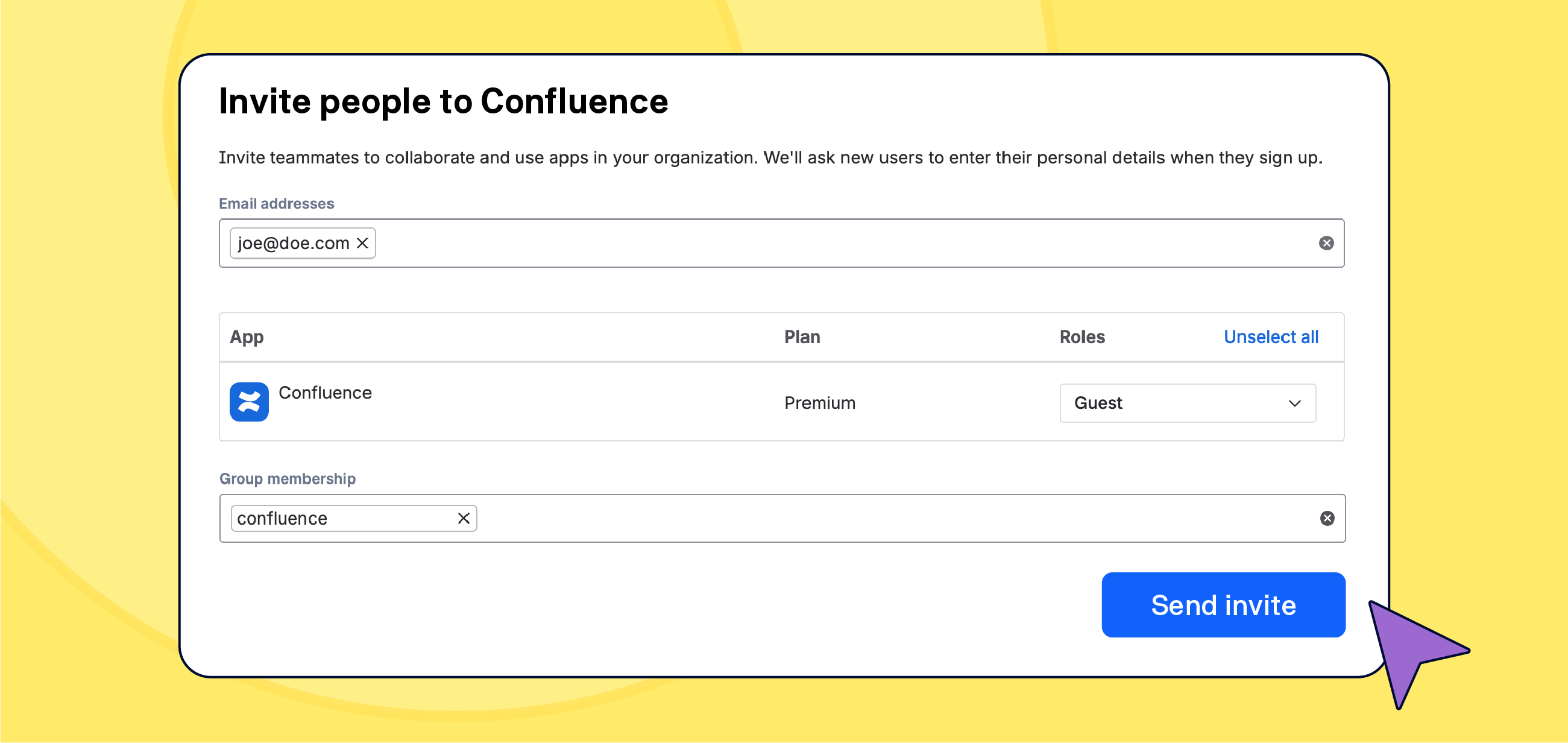
Say you’re working on a customer success story with a client. Or you’re developing a new feature and need to work with contractors. Either way, your team needs to bring a couple of external people in to collaborate on an article in Confluence.
Adding outside collaborators as guests is a no-brainer for any paid Confluence tier. Guests are essentially free users. Free as in ‘you don’t have to pay for their seats'. Sure, there are limitations but you can add up to five guests per one paid seat. Let the new era of collaboration commence! But your admin is probably less thrilled.
Let’s find out how to keep the project going and the admin sane.
Guests: The Math
A small team of 10 people who are about to change the world may add 50 guests. That’s an incredible money-saving measure for any startup! And it can be manageable.
Let’s move things up a notch. Now you have a site with 1000 users. That means 5000 potential guests. Managing 1000 carefully provisioned users is one thing. Managing even 1000 guests is what admins' nightmares are made of. And before you ask if it scales… yes, it does, unlike an admin’s stress tolerance, all the way up to the 250K-user limit per a Confluence site.
Define the Guest's Role
The guest role was designed to enable ad hoc collaboration of teams with outsiders. Not to get a free ride. Although…
Anyway, before you invite a guest user, the following best practices will help you develop a manageable workflow.
-
Define the project guests will participate in.
-
Determine the Confluence space the guest will access. Guests can only access a single space at a time. Do not hesitate to create an ad hoc space just for this specific collaboration.
-
Determine the guest’s permissions within that space. Don’t forget to check the marketplace apps' settings.
-
Time frame – beginning and the planned end of the project.
-
Responsible user – someone who will either remove the guest or inform the admin when it’s time.
By the way, Confluence Databases would work exceptionally well to keep track of project guests.
Onboard guests
An informed guest doesn’t have to guess what is expected of them and how they can get around. Especially if they haven't worked with Confluence before.
Guests should know who to contact when they need help. We recommend having a single point of contact within the inviting team. That dedicated person can then raise any requests and report any issue to your Confluence admin.
More on this in a bit.
Time To Say Goodbye
“Guests, like fish, begin to smell after three days.”
Benjamin Franklin, Confluence Admin
The project is closed, the guests checked out but they never left. Because nobody closed their zombie accounts.
-
Done Project Amnesia: The contractor finishes the job, the project manager clicks done, everyone celebrates, but nobody remembers to submit a ticket to revoke the guest's access.
-
Just in Case Paralysis: A guest hasn't logged in for six months but what if….???
-
The Missing Expiration Date: Guests often join ad-hoc. So they are not processed in the same way as regular users for whom an IT kill switch is triggered by Human Resources.
In some companies, this would create chaos. For others, those zombie accounts may trigger legal issues.
Compliance Has the Final Word
Security certificates like ISO 27001:2022, SOC 2 Type II, and similar frameworks do not inherently forbid the use of Confluence guests. But they do make the process incredibly demanding.
Here is what those frameworks actually require when it comes to external users:
-
Justified Access: You must prove exactly why the guest needs to be there.
-
Documented Onboarding: The approval flow must be recorded and trackable.
-
Flawless Offboarding: The moment the relationship ends, access must be revoked and logged.
Because this level of maintenance is exhausting and prone to human error, Confluence admins often use the certification as a convenient excuse to block guest access altogether.
The golden rule: Always check with your Compliance or Legal department regarding internal policies. Your admin's job is to protect the system (and their own sanity), so they are naturally biased toward saying no.
News
General availability of Rovo Service
Atlassian has announced the general availability of Rovo Service, bringing an agentic AI teammate to Jira Service Management to automate complex internal workflows like IT requests and HR onboarding. By pulling context from past tickets and company policies, Rovo eliminates tedious manual back-and-forth by proactively generating actionable resolution plans and guided new-hire journeys.
Rovo Skills entered the Chat
Atlassian has launched Rovo Skills in Rovo Chat, offering a library of roughly 30 pre-packaged "recipes" that give your AI agent explicit, best-practice instructions for handling specialized tasks across Jira, Confluence, and JSM.
Users can now easily trigger consistent, reliable actions – such as generating status updates, assessing change risks, or creating work items – using intuitive slash commands or natural language requests.
Build a Rovo Agent with Us

Our own Matt Reiner and Andrei Pisklenov went live to help you level up your Confluence content and your AI skills. Did they succeed to build a Rovo AI Content Coach agent inside Confluence?
Missed the live stream?
Key Takeaways:
-
🧠 Learn how to craft effective prompts for AI agents in Confluence.
-
🚀 Discover how to iterate on prompts for better results.
-
🤝 Get tips for collaborating with AI to boost your team’s productivity.
-
💡 Ask questions live and get instant feedback from experts.
Benefit from Monthly Confluence Tips

Join our Monthly Dose of Confluence newsletter and discover smarter ways to work, publish, and collaborate in Confluence.


