
In this issue, we’re diving into the new Audio Narrations feature for Confluence pages, and sharing what we found when we put it to the test.

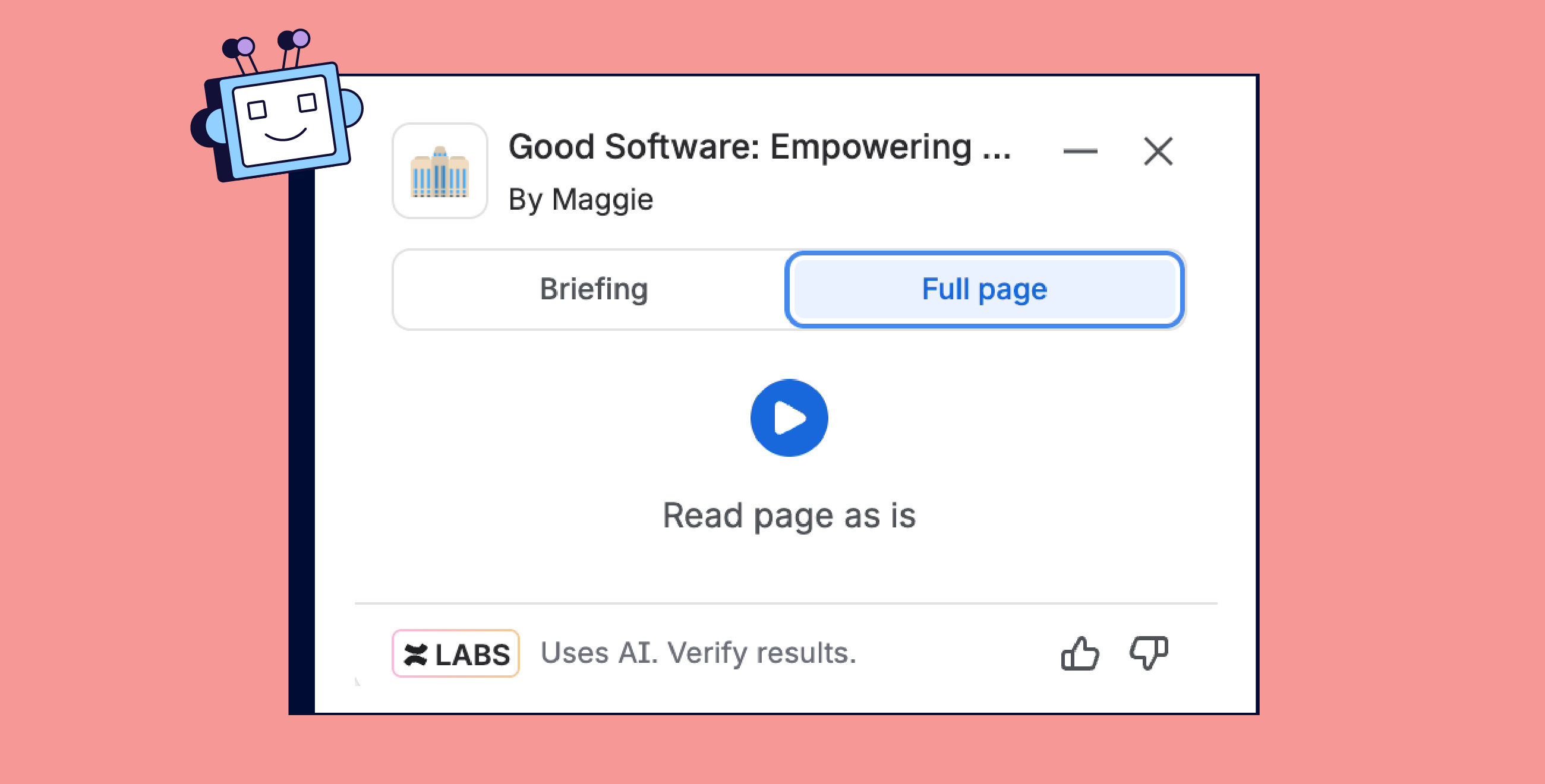
A few weeks ago, we reported on Audio Briefings, those handy audio summaries that give you a high-level overview of a Confluence page. Now, Atlassian is rolling out Audio Narrations, which read out the entire page, word for word.
So, what’s new? And does it actually help?
Back to Basics
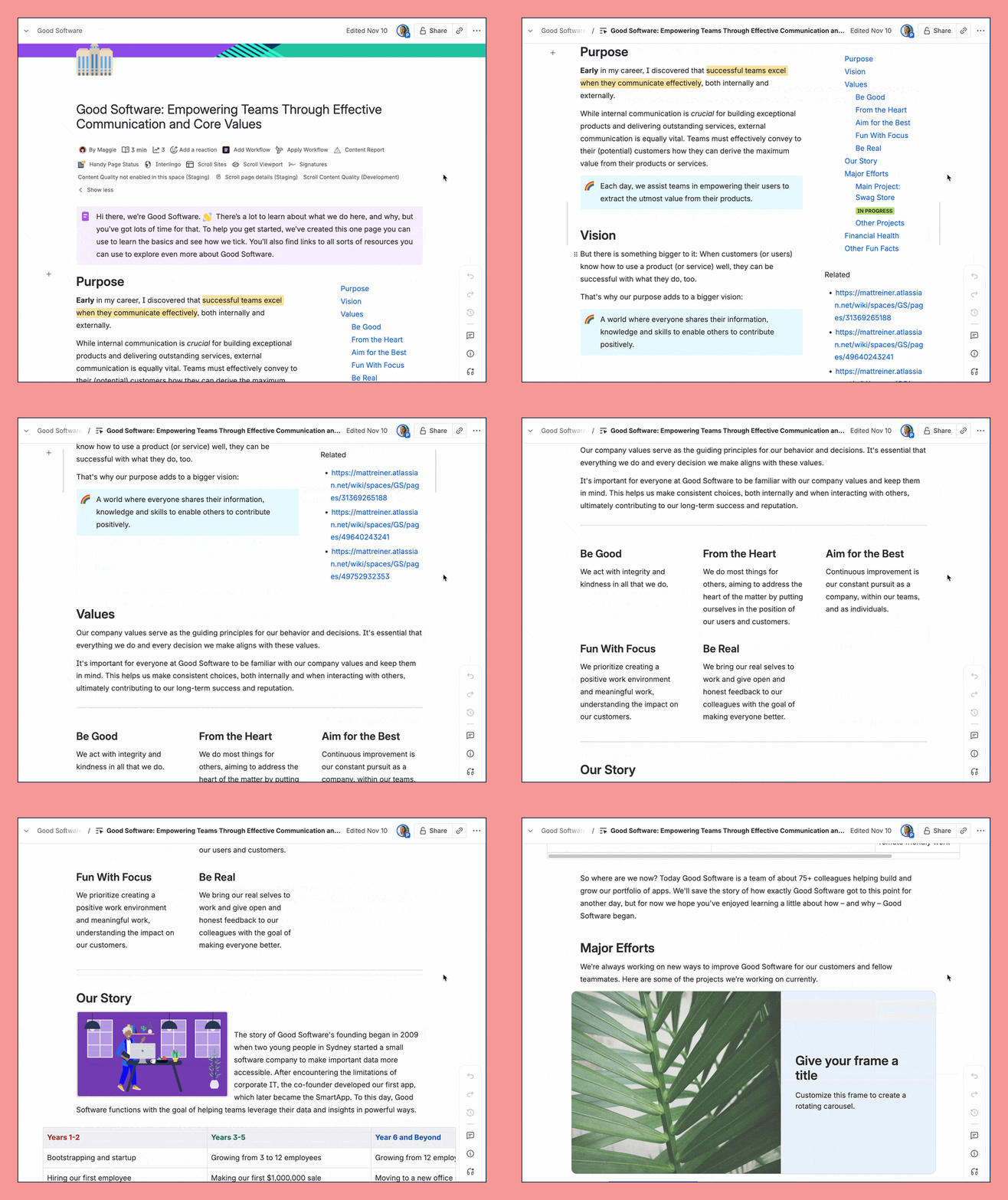
Let’s recap: Audio Briefings are supposed to summarize a page. We tested them on a one-pager about the core values and history of the (fictional) company, “Good Software.”
The AI voice jumps straight into the story. There’s no intro, no context, just “here’s Good Software...”
Not exactly a great overview.
Pro tip: If the purpose of your page is not clear from the beginning, the reader will lose interest. So always sum up the most important information at the top of your page, for example in an info box. We have some nice tips about structuring your page in our article on how to create beautiful pages in Confluence.
Now, onto Audio Narrations
Unlike in briefings, in this mode the AI reads out the title and author of the text, and does so quite competently. When we come to different layout options, AI reads the left column first and goes then to the right.
So far, so good.
Images
Let’s continue in the page:
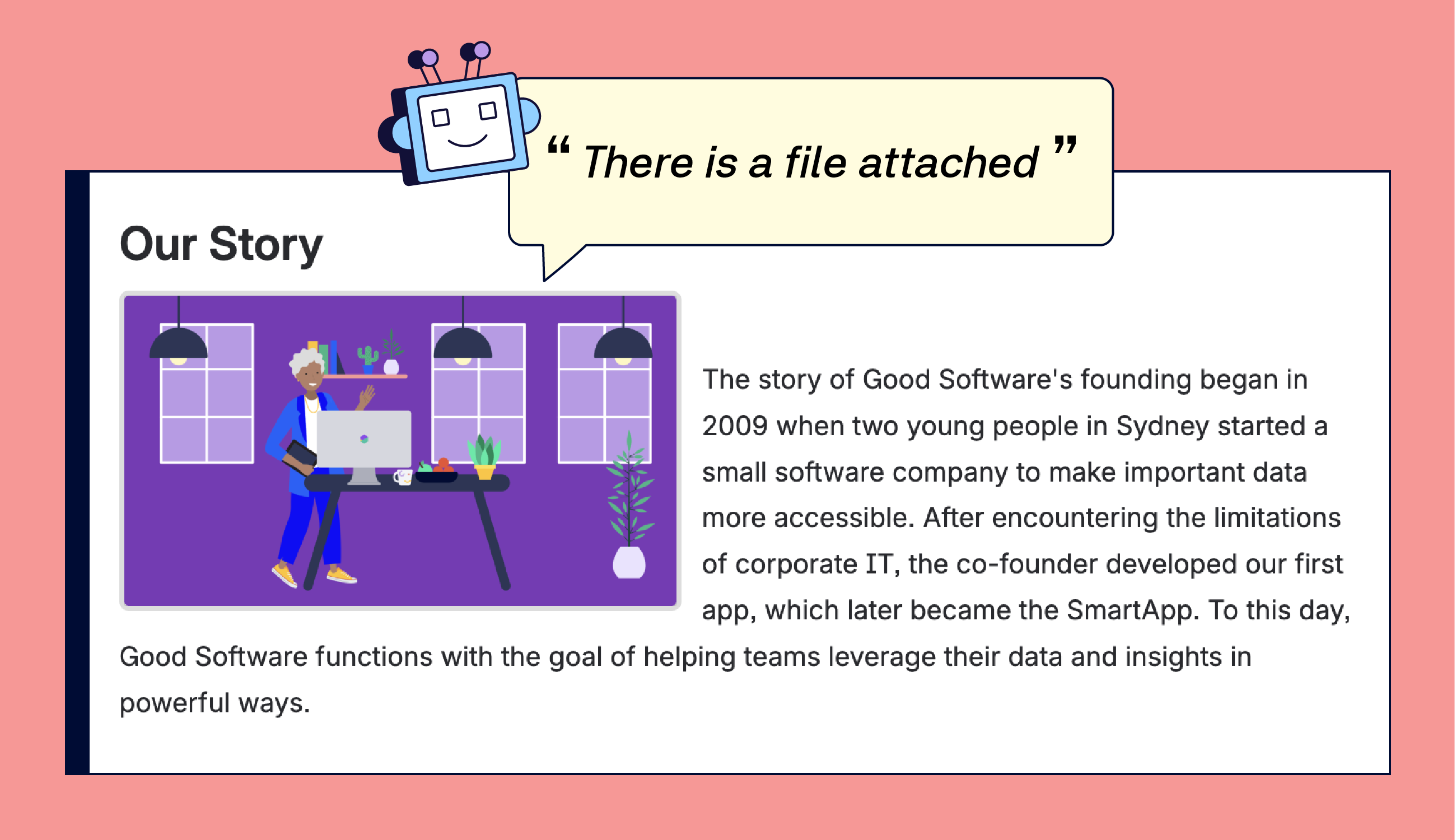
Images cannot be described by the AI so far … It only reads out that there’s a file. And not even that it’s an image, could also be PDF or excel or basically anything. So it doesn’t say much.
Pro tip: Since this feature can’t describe images, add meaningful alt text and clear file names to every image or file you upload. This way, even if the AI doesn’t read it out, users with screen readers will still get the context.
Tables
When it comes to tables, AI reads out that there’s a table with how many rows and columns and what the headings say. Then it starts reading out row by row.
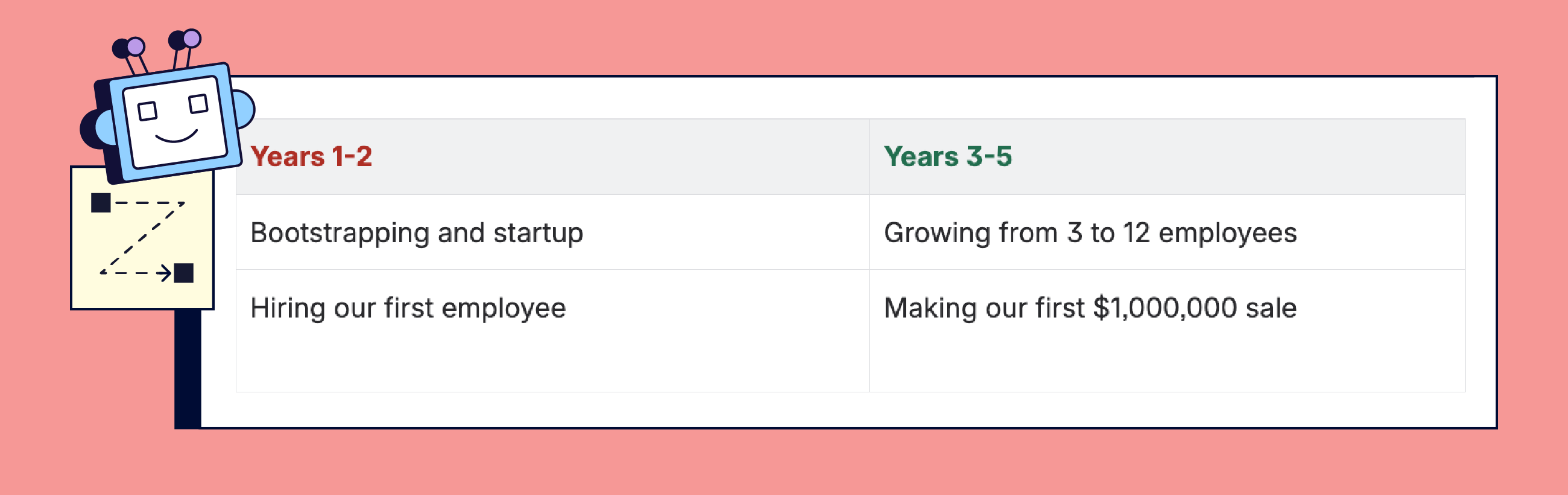
Pro tip: Don’t put crucial information into the table. If something is important, summarize it in a text above or below the table.
Macros
Audio Narrations tell you that “there’s a macro here”. It does not tell you what it contains. For example, here it would be useful to learn that this macro still displays the default wording, indicating that the page itself is still in progress and not finished yet.
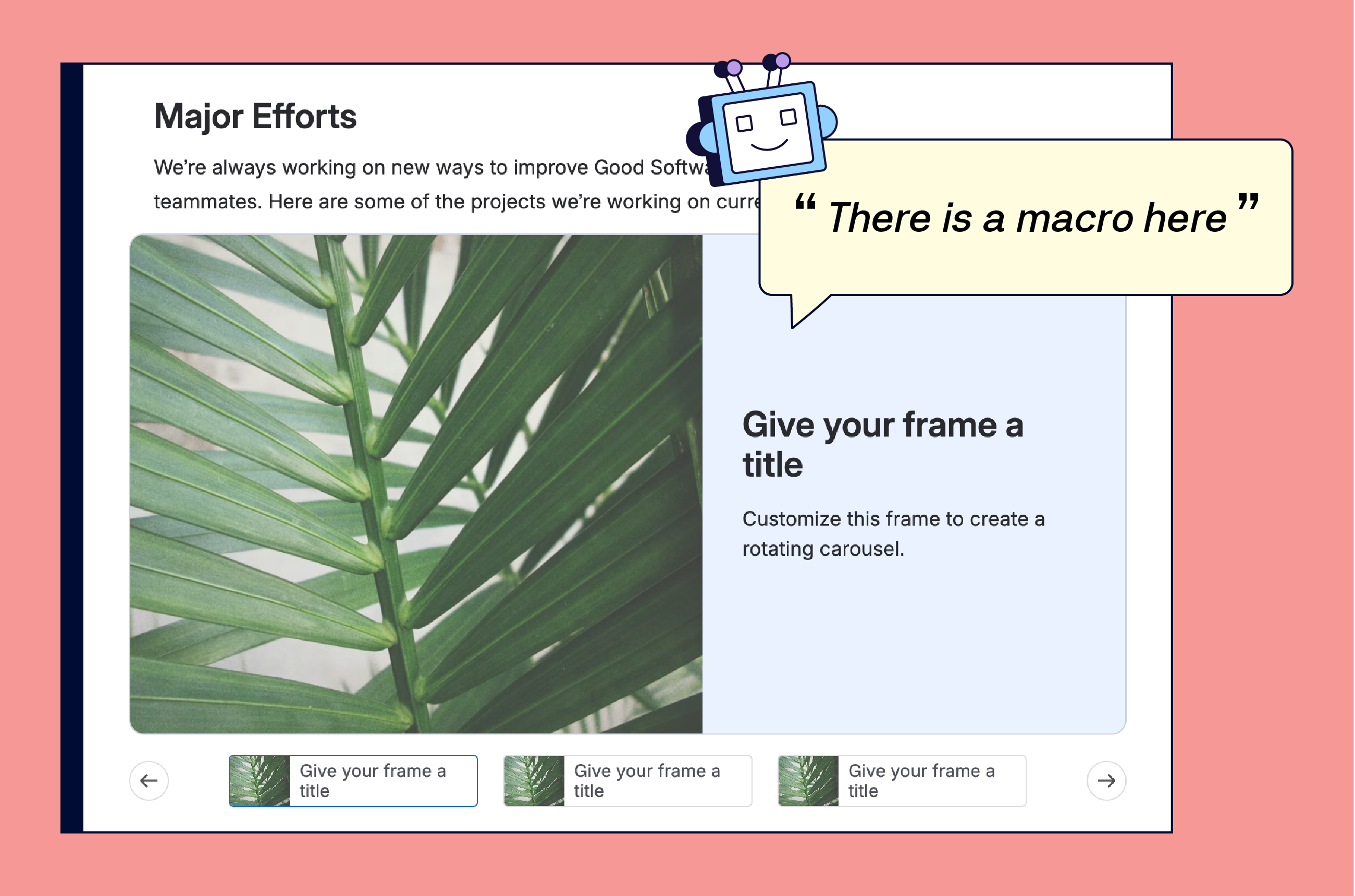
The same applies for charts or other built-in Confluence macros with content inside. It just says that there’s a macro or smart link, but doesn’t mention if access is restricted or if you need to request it. So we can assume that there are also problems with third party macros.
Pro tip: Since the narration just says “there’s a macro here,” add a short description before or after the macro explaining what it contains or why it’s important. Example: “The following section shows our Q4 project timeline.”
Our Honest Take
Audio features are supposed to make Confluence more accessible for everyone, whether you’re visually impaired, have reading difficulties, or just want to listen while doing something else. But for true accessibility, it’s not enough to just “read” the page; users need context, descriptions, and cues about what’s actually on the screen.
For comparison, most screen readers at least attempt to describe images if there’s alt text. Confluence’s Audio Narrations don’t even try.
To sum up, the idea behind the feature is fantastic. But when it comes to accessibility, there’s still a long road ahead.
How about you? Have you tried audio narrations yet? Feel free to reply to this mail and tell us!

Rovo Skills EAP
Atlassian just opened sign-ups for the brand new Rovo Skills Early Access Program (EAP). If you’re the type who loves to be first, shape new features, and maybe even brag a little, this is your chance.
Finally Agent Analytics
The wait is finally over: you can now view analytics of your Rovo agents.
Benefit from Monthly Confluence Tips
Join our Monthly Dose of Confluence newsletter and discover smarter ways to work, publish, and collaborate in Confluence.


