
In this issue, let’s explore how to level up your international reach by going from ad hoc translations to scaled and managed localizations on Confluence.
Translating documentation always faces two hurdles: accuracy and process. The consequences of getting it wrong? Sometimes it’s a funny support ticket, sometimes it’s a hefty regulatory fine. Let’s look at how to make your Confluence content multilingual while keeping your sanity intact.
When ‘Good Enough’ Simply… Isn’t
Rovo makes translating content in Confluence incredibly easy. If it’s not enabled, you can always lean on your favorite AI tool or Google Translate. We tested Rovo’s abilities across several languages. The verdict? It’s not bad, but it’s rough, overly literal, and occasionally misleading—like translating the instruction to "create a Forge app" into "create an app named Forge."
While AI translations are fine for internal team sharing, they aren't reliable enough for production. General AI tools fare slightly better, but native speakers can always spot that something is "off." The wider the gap between the source and target languages, the more jarring the result. Bottom line – if you use AI, the burden of verifying the accuracy falls entirely on you.
From Translation to Internationalization
When making documentation multilingual, your goal is to give users a native experience. The text should feel as natural as if it were written by a local. It is the leap from basic translation to localization (L10n) and internationalization (I18n).
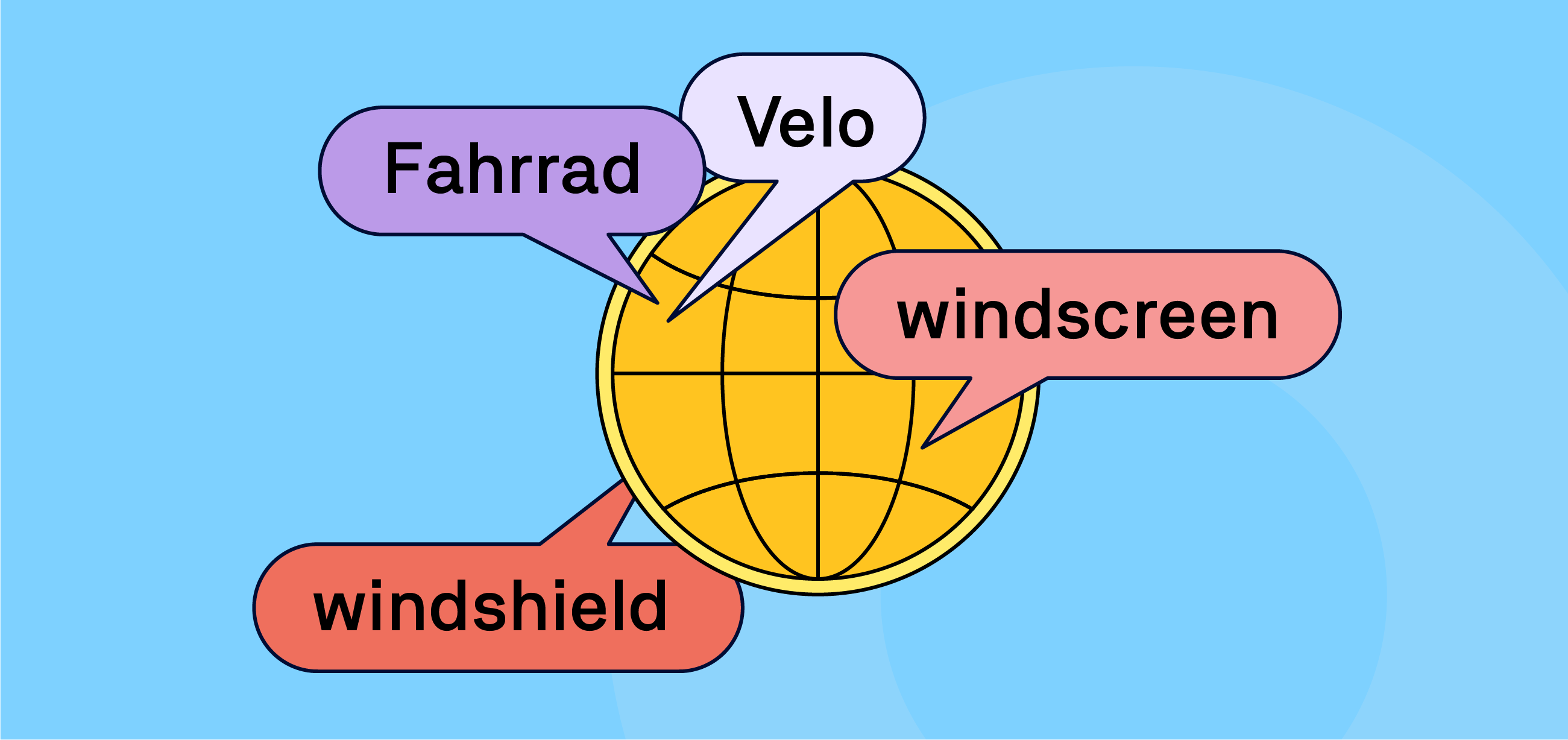
This isn't just about translating English to French. It's about regional nuances—you can't use the exact same financial terminology for an app in France and Quebec. Even English needs adapting: a car manual for the UK features a boot, bonnet, and windscreen, while the US version has a trunk, hood, and windshield.
For this level of cultural adaptation, professional translators are non-negotiable. The obvious solution would be giving them guest accounts in Confluence to clean up AI drafts. It works for a handful of pages, but it simply does not scale.
Hop onto the Localization Train
If you are scaling up to multiple products and/or regions, manual methods for maintaining multilingual content will eventually break down. Teams often struggle to plug their Confluence documentation into established localization workflows, but treating translation as an ad-hoc task is a recipe for inconsistency.
Localization is an ongoing process, and your translated content requires its own lifecycle management. To do it properly, your workflow must handle these fundamental requirements:
-
Smart Tracking: Automatically identify new or updated pages so you only translate what has actually changed.
-
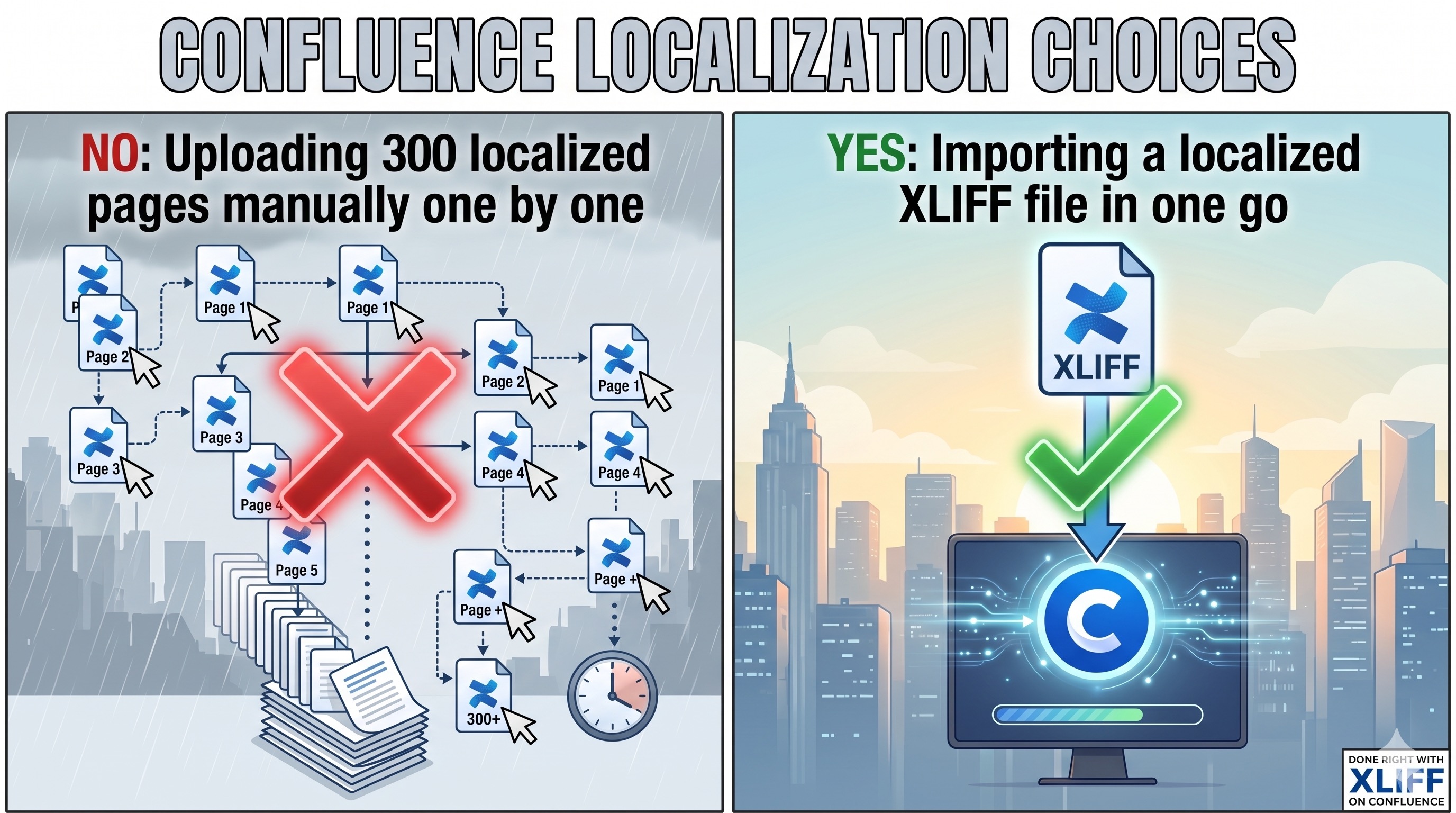
Bulk Operations: Export those specific changes and import the localized results in a single batch.
-
Structural Integrity: Ensure every translated page perfectly mirrors the layout, macros, and formatting of the original language version.
Beyond the technical mechanics, long-term consistency requires proper linguistic assets. You and your localization vendor need to establish a glossary and build a translation memory (TM). This guarantees that your terminology never veers off track, phrases are translated identically across all your assets, and turnaround times drop dramatically.
Go Pro with XLIFF in Confluence
The localization industry runs on XLIFF—the gold standard for seamlessly moving content between clients and translation vendors. But out of the box, Confluence doesn’t speak XLIFF, nor does it have the native architecture to manage complex, multi-language workflows.
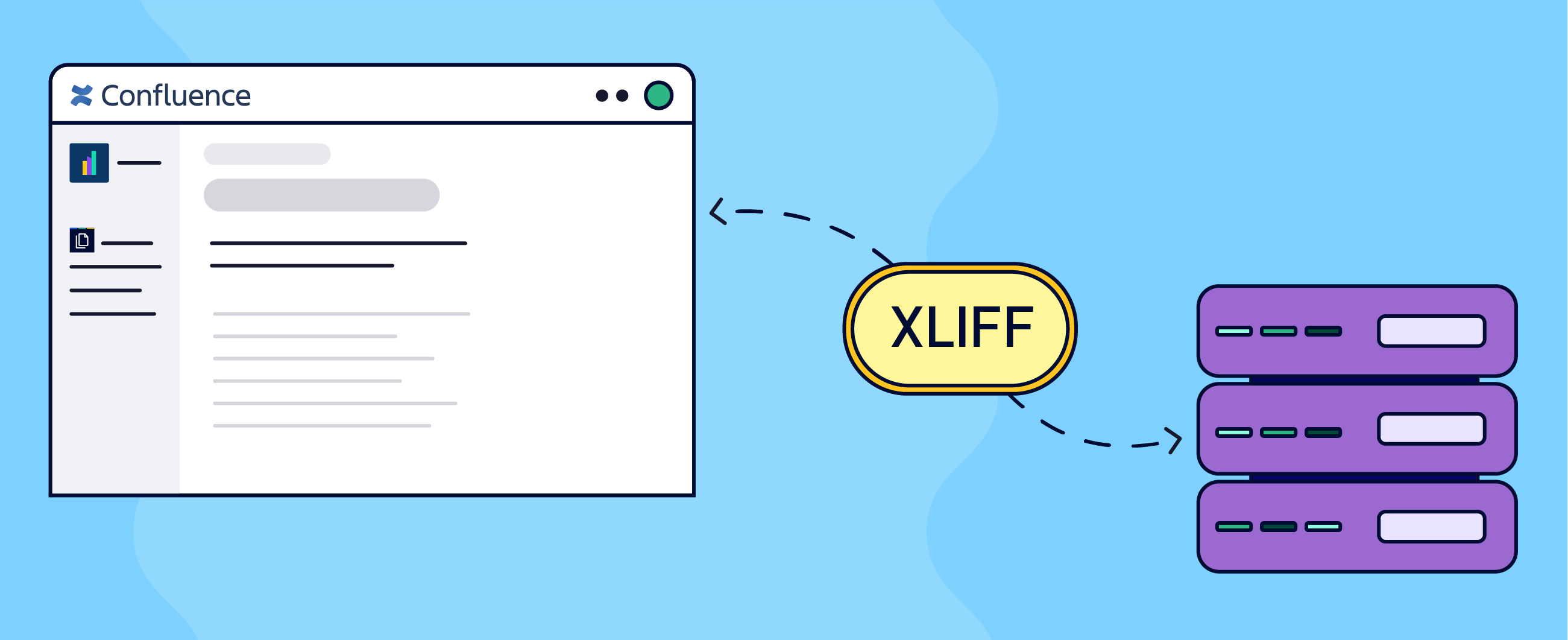
To bridge this gap, Confluence teams rely on the Scroll Content Manager app and its Translations extension. This pairing provides full XLIFF support, seamlessly extends your Confluence documentation lifecycle right into professional localization.
Instead of manually copying and pasting, you extract your Confluence pages into an industry-standard XLIFF file that your localization vendor’s tooling can process natively. Once the translation is done, you simply import the files back. The system automatically maps the translated text to the correct structure, perfectly preserving your layouts, macros, and formatting.
The biggest win? It completely removes the bottleneck of scale. Whether you’re localizing 10 pages or 100, the workflow remains exactly the same: one bulk export, one bulk import. No manual updates, no broken layouts.
News
Resolving Loom vs Atlassian account issues
As Atlassian is moving the original Loom accounts into its own ecosystem, many original Loom users face logging issues. Remember, Atlassian acquired Loom in 2023.
Atlassian seems to be rolling out the one-way-logging path which automatically redirects Loom users to the Atlassian logging window. This should greatly simplify things and prevent the original Loomers from being left in a limbo between Loom and Atlassian credentials.
Can you give every Venice citizen a Confluence seat?
The answer is yes. And you only need a single Confluence site. Atlassian has increased the user limit on all paid Confluence tiers from 150,000 to 250,000 users. Click below to get more details and some funny perspective on how much a quarter of million actually is.
Benefit from Monthly Confluence Tips

Join our Monthly Dose of Confluence newsletter and discover smarter ways to work, publish, and collaborate in Confluence.


