
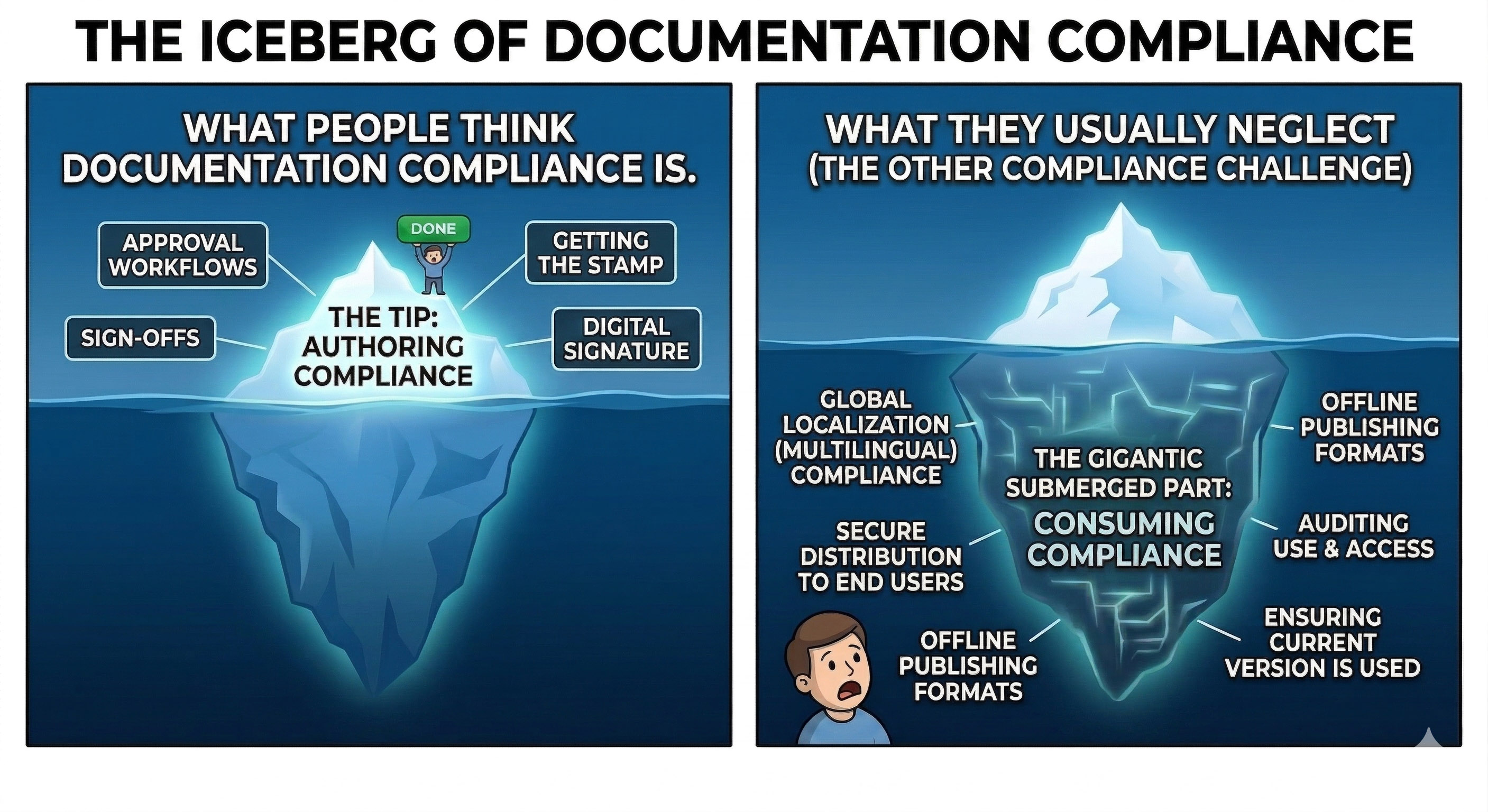
In this issue, we’re looking into why compliance doesn’t stop with the content approval workflow and what lurks beneath the tip of the compliance iceberg.
Approved. And Now What?
Your Confluence pages went through all stages of a highly customized approval workflow. They’re verified, approved, and signed off. You have an app for that and it ticks off all the boxes on your compliance check list.
And then you reach words like immutable audit copy. And your client calls and says words like disaster, recovery, localized versions.
For many scenarios, compliance doesn’t end with approving a Confluence page. It’s where it starts.
Audits and Immutable Documentation
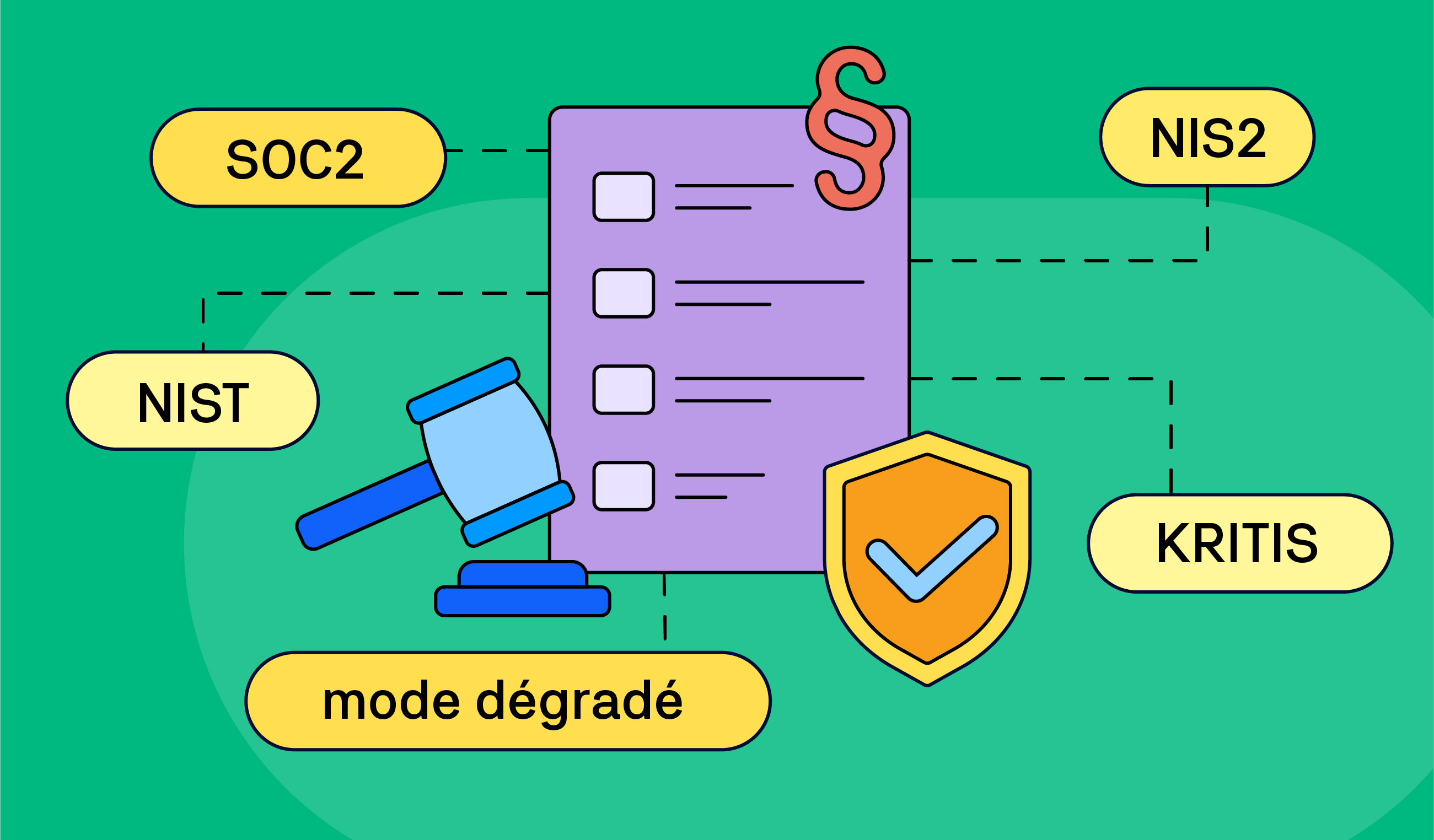
Confluence saves versions of individual pages and supports PDF exports. But that may not be enough for regulated industries such as pharmaceutical, defense, health care, and financial services.
Not only do they require immutable copies of individual copies, they must often include additional metadata (who, when, for what purpose, etc.) embedded right in the document. Over time, these snapshots will build an audit trail.
A typical use case is a technician generating and printing a physical copy of a Standard Operating Procedure document with a specific watermark and indicated version number to prove they completed their job following that specific set of instructions.
Many teams rely on Confluence and its vast ecosystem of Marketplace apps to create accessible immutable documents and entire versioned documentations sets to feed their audit infrastructure, and meet legal and regulatory requirements of their respective industries.
Offline Documentation and Compliance
The end-user perspective of compliance – distribution, publishing, and access – is often not the first thing that comes to mind. It may not be YOUR compliance requirement, but it might be your CLIENT’s critical need.
Bulletproof offline version of your documentation is conditio sine qua non in many regulated industries. Put simply, a PDF is not an anachronism, it might be the preferred and mandated format.
-
Critical infrastructure – utilities, transport systems, and similar.
-
Secure offline locations – banks, defense, government agencies, data centers, etc. with no direct access to the internet.
-
Field operations – remote locations, wilderness, adverse weather conditions.
There is a significant overlap between use cases in which offline documentation is required by both off-the-grid circumstances and legislative or industry requirements.
Creating a highly usable offline manual for such conditions is tough. You need to account for multiple formatting and layout options, cater for specific use cases and format outputs. Look for tools that offer integrated Confluence solutions – such as our Scroll PDF Exporter that supports customizable templates, and easy API integration with your infrastructure.
Don’t Get Lost in Translation
International presence and expansion to foreign markets means providing your content in foreign languages. If you want to compete for government contracts and employ a multinational workforce, localized documentation is a must.
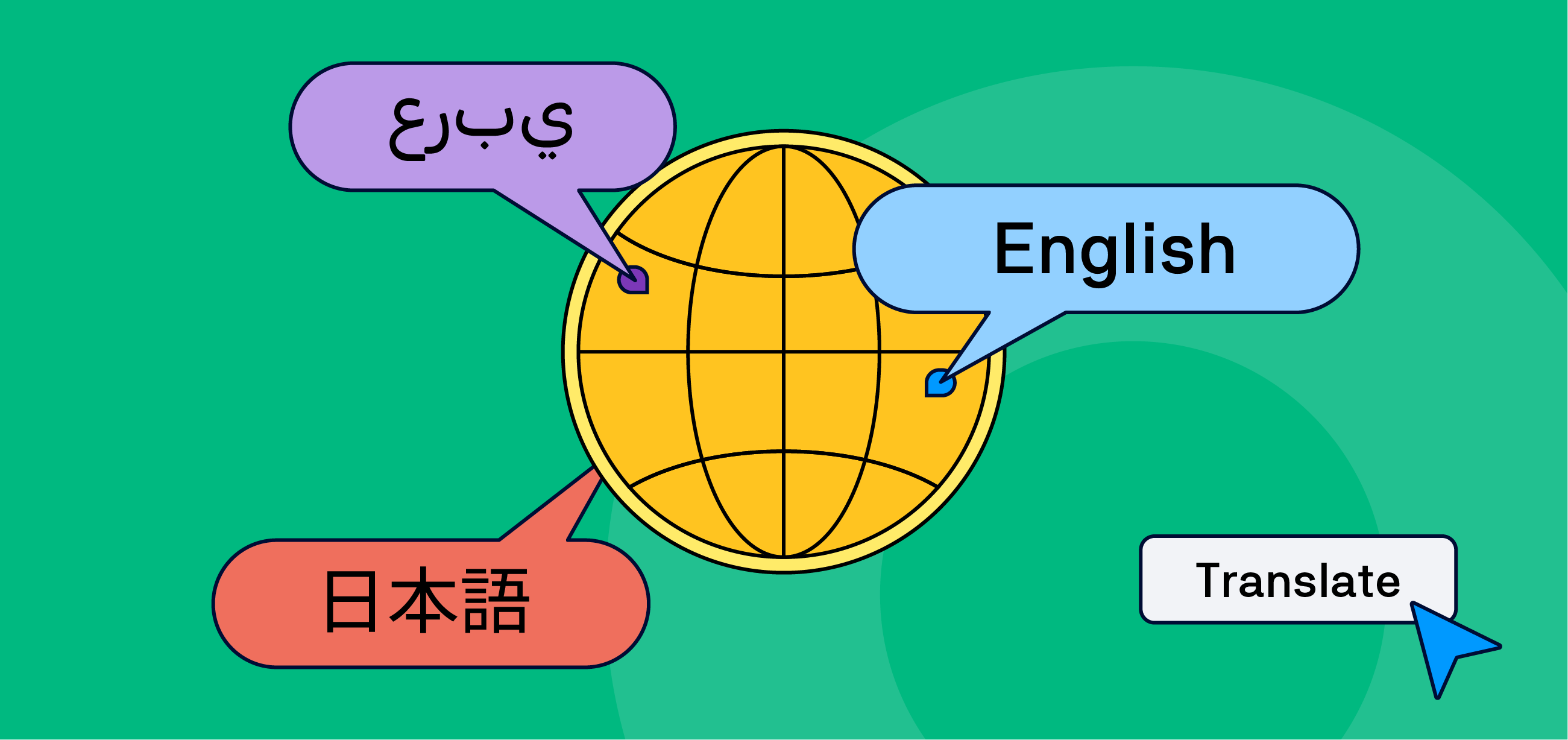
AI to the rescue? We would not recommend using AI in do-it-yourself translation solutions especially if you add regulatory requirements to the equation.
When it comes to compliance, translation is not enough and localization and internationalization is the name of the game.
What we do recommend is working with certified localization services, using industry standard XLIFF files that, paired with dedicated localization management tools in your Confluence site, would dramatically speed up translating your content with bulk operations and automations.
News
Atlassian Remix - your ultimate content transmutation tool?
Atlassian has announced a gradual release of Remix – a new Rovo feature that claims to transform your text-based content into charts, diagrams, infographics, and visualizations such as maps.
We haven’t been able to lay our hands on it (we really tried…) but if the available details are true, Remix will literally turn your text into gold.
Add hyperlinks to whiteboard text
You can now connect your text-based assets in Confluence whiteboards with other content types and the internet. Simply a word and use the Cmd+K (Mac) or Ctrl+K (Windows) shortcut.
Benefit from Monthly Confluence Tips
Join our Monthly Dose of Confluence newsletter and discover smarter ways to work, publish, and collaborate in Confluence.


